
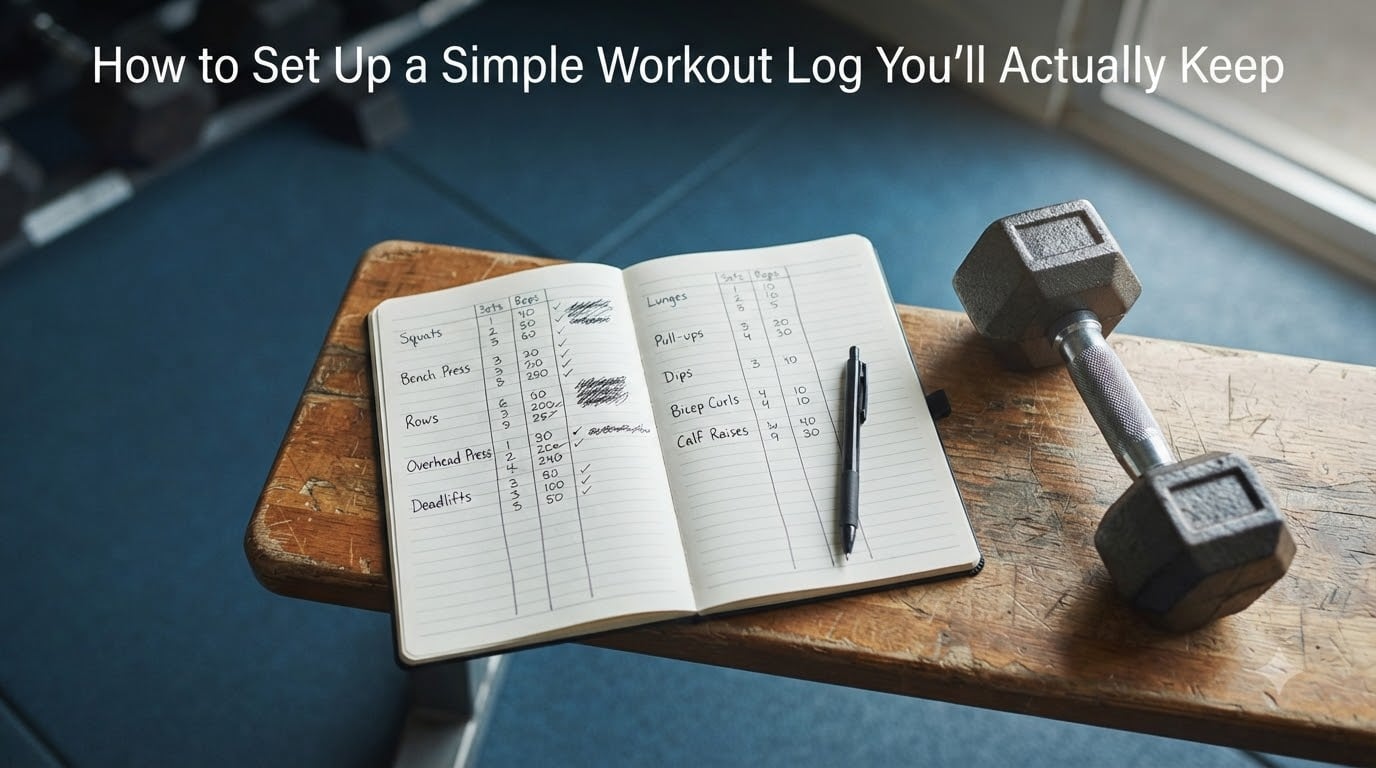
If you have ever started a fitness journal with enthusiasm and abandoned it a week later, you are not bad at tracking. Your workout log was probably asking too much of you.
Learning how to set up a workout log is less about creating the perfect system and more about removing every reason to skip it. A useful log should take under a minute to update, fit the way you train, and show what to do differently next time.
I use a small five-column template for strength work and a nearly blank page for walks, runs, and home sessions. That flexibility matters: the best workout log is the one that still feels easy after a busy week.
This guide gives you a practical starting point you can use in 2026, whether you prefer paper, an app, or a spreadsheet.
Table of Contents
- Why a Simple Workout Log Works (And Most People Quit)
- What to Track in Your Workout Log
- Choose Your Format: Paper, App, or Spreadsheet
- How to Set Up a Workout Log in 3 Simple Steps
- Quick-Fill Format Examples for Different Workouts
- How to Stay Consistent (The Part Everyone Skips)
- Common Workout Log Mistakes to Avoid
- Adapting Your Log When You’re Busy or Traveling
- Frequently Asked Questions
- Your Next Step
Why a Simple Workout Log Works (And Most People Quit)
A workout log is a record of what you planned, what you did, and how your body responded. It can hold exercise names, weights, sets, reps, duration, notes, or recovery information.
Most people do not quit because they have nothing to record. They quit because the system adds too much friction to a workout that is already hard enough.
An app that takes twelve taps to save one set, a notebook that demands a full page of notes, or a spreadsheet with 20 columns makes logging feel like homework. The answer is to create the smallest useful version from day one.
A simple workout tracker provides three practical benefits:
- Accountability: writing down the plan makes it more likely that you will show up and complete it.
- Progress tracking: previous entries show whether you lifted more, repeated the same result, or recovered better.
- Better planning: you can stop guessing which weight or variation to use next time.
Tracking also exposes patterns. A note such as poor sleep, left knee tight can explain an unusually weak session before you blame your program.
Researchers who study behavior changes often emphasize prompts, preparation, and small repeatable actions. In practical terms, your log becomes easier to keep when the notebook is already open, the next exercise is listed, and you know exactly which abbreviation to write.
What to Track in Your Workout Log
The best workout log template contains the information that helps you make one better decision next session. Start with these essential fields:
- Date and session name: use something memorable, such as Lower Body A or Tuesday Run.
- Bodyweight or starting measurement: record it only if you will compare it later. This is optional for most beginners.
- Exercise name: keep it consistent so past results are easy to find.
- Load or resistance: write the weight, band level, machine setting, or assisted variation.
- Sets and reps: use the same order every time, such as 3 x 8.
- Short notes: record pain, confidence, range of motion, or how the last set felt.
You do not need every available metric. Speed, heart rate, rest intervals, workout duration, calories, and perceived effort can be useful, but only when they answer a real question for you.
For example, resting heart rate may help you identify recovery changes. By contrast, writing every rep’s tempo usually creates work without improving your next choice.
Try this rule: if a field does not change what you will do next week, leave it out. This keeps your fitness journal honest and quick.
Quick answer: A simple workout log should include the date, session, exercises, load, sets, reps, and a short note. Add recovery or performance metrics only when they help explain or improve your training.
Choose Your Format: Paper, App, or Spreadsheet
Choose a format before you build a detailed template. The right workout diary is the one you can use in your actual training location, even when your hands are busy or your phone battery is low.
Paper Works Best When You Want a Tactile, Offline Log
A notebook is affordable, dependable, and quick. You can jot down a set between exercises without waiting for an app to load, and many people find seeing completed pages on paper satisfying.
Paper also has a downside. Searching for a prior workout takes longer, backup takes discipline, and sweat or rain can damage it. I still recommend a simple folder or a photocopied template if you travel with a paper log.
An App Works Best When You Train With Your Phone Nearby
A workout log app can save previous exercises, include a rest timer, and make charts from your results. It is a strong choice when you can enter a few numbers quickly and do not mind tapping a screen.
Sweaty hands, gloves, notifications, and slow menus add friction. Test the app in the gym before depending on it, and make sure you can export or back up your training log.
A Spreadsheet Works Best When You Like Custom Data
A spreadsheet is free, flexible, and accessible from a phone browser. You can create columns for sets, reps, load, RPE, notes, and one-rep estimates, then sort results by exercise.
It is not ideal if typing every set interrupts your focus. Build only the columns you will review, and consider copying the next week’s plan in advance.
- Choose paper for speed, privacy, and reliability.
- Choose an app for timers, saved exercises, and automatic calculations.
- Choose a spreadsheet for low cost, control, and detailed review.
Forum users commonly report that simple apps and accessible documents work better than feature-heavy systems. A community discussion about where to keep a workout plan highlighted Google Docs because it is easy to reach on a phone, while other users preferred a physical notebook for its tactile feedback.
How to Set Up a Workout Log in 3 Simple Steps
The fastest reliable system has three stages: prepare, record, and review. You can follow the same method for strength training, cardio, classes, and short home workouts.
Step 1: Create the Header and Baseline
Open to a fresh section and write the date, session name, planned duration, and optional bodyweight. Leave a one-line space for your energy, sleep, pain, or another recovery note.
Here is the header:
Date: __________  Session: __________  Duration: __________
Bodyweight: __________  Readiness: G / A / B / C
Main note: ______________________________________
If you do not want to track bodyweight, delete that line. Simplicity is part of the design, not a missing feature.
Step 2: Write the Planned Workout Before You Start
Copy the exercises from your program before the session begins. Planning first prevents the common what-should-I-do-next slowdown and gives each exercise a place in your exercise log.
Exercise             Set 1      Set 2      Set 3      Note
Goblet squat          20 kg x 10  20 kg x 9  20 kg x 8
Romanian deadlift     30 kg x 10  30 kg x 10 30 kg x 9
Walking lunge         12 kg x 10  12 kg x 10 12 kg x 8
Use one line per exercise and keep the units clear. Write kg or lb in the heading rather than repeating it after every number.
For a circuit, write each movement as a separate row. For a class, list the main blocks, machines, or intervals before class starts.
Step 3: Mark Each Set and Review the Result
As you finish a set, put a check mark in its cell and adjust the planned number if needed. If you cannot record the full result during the set, leave the set number in a note and fill the details later while your memory is fresh.
At the end, circle the best set, star the exercise that felt hardest, or write one sentence about what to change. Review the last workout before planning the next one.
Next-session cue: Repeat 20 kg if all 3 sets reach 10 clean reps;
otherwise keep the load and improve one set.
This review turns tracking from a record into a decision system. Measure backward from the last result: keep the same load if the target was achieved well, or adjust a variable before repeating the plan.
Quick-Fill Format Examples for Different Workouts
Copy the closest format, then remove any field that slows you down. Consistency matters more than decoration.
Use the Exercise-Weight-Sets x Reps Format for Strength Training
Bench press - 35 kg - 4 x 6
Row - 30 kg - 3 x 8
Split squat - 10 kg - 3 x 10/side
Add one note when technique, range of motion, or discomfort changes. The searchable featured-snippet version is: Exercise – Weight – Sets x Reps.
Use the Exercise-Reps-Variation Format for Bodyweight Workouts
Push-up - 3 x 12 - knees
Pull-up - 4 x 5 - assisted
Single-leg bridge - 3 x 10/side
Track the variation that affects difficulty, such as assisted, tempo, range, or paused. This allows progress even when your rep count stays the same.
Use the Type-Time-Effort Format for Cardio and HIIT
Run - 24 min - easy
Intervals - 6 x 2 min hard / 2 min easy
Bike - 35 min - moderate
Write distance, pace, heart rate, or power only if you plan to compare them. A short post-workout note such as last two intervals strong can reveal more than an extra number.
How to Stay Consistent (The Part Everyone Skips)
Consistency comes from reducing decisions. Do not ask yourself whether you feel like logging every time; build a cue that starts and ends the task automatically.
- Open it before you warm up. A visible log is a prompt to record.
- Prewrite the next workout. Add exercises, target sets, and starting loads before the gym.
- Log beside the rack or machine. Never save every detail from memory at the end.
- Use abbreviations. Write kg, lb, RPE, and PR in a key on the first page.
- Set a 60-second rule. If a new metric takes longer to record than to perform, remove it.
- Review once a week. Look for one win and one adjustment rather than analyzing every entry.
Pair logging with something stable. Put a check beside the warm-up, log immediately after the final set, and place your keys on the notebook when you leave.
Make progress visible. I like to mark a small win when every set reaches its target, while other people prefer graphs, checkboxes, or tally marks. Choose feedback that feels rewarding, not another grade you can fail.
If you miss a day, do not catch up with a long reconstruction. Record the next visible session, then add a note such as two-week break; restarted with lighter loads.
Common Workout Log Mistakes to Avoid
Your workout tracking system should help you train, not become a second workout. Watch for these common problems.
Avoid Tracking Too Much Before You Know What You Need
Twenty columns make data entry feel important, but they often hide the result you need. Begin with six fields and add one feature only after a real question appears.
Avoid Waiting Until the Workout Is Over
Memory fades, and you will have to estimate sets, reps, and load. Record a set as it happens; a partial log is more accurate than a complete log written from memory.
Avoid Changing the Exercise Name Every Time
Incline DB press, incline dumbbell press, and 30 degree incline press may be the same movement. Pick one name and reuse it so your progress appears in one place.
Avoid Ignoring the Last Session
A workout log is not merely a diary. Look at the previous result before you train so you can repeat what worked and change what did not.
Avoid Treating One Session as a Failure
One tired set does not erase a month of progress. Look for repeated changes across several sessions, and seek medical advice for pain that is severe, persistent, or worsening.
Adapting Your Log When You’re Busy or Traveling
Busy periods require a backup log, not a more disciplined personality. A traveler can use a two-column card, a notes app, or a simple spreadsheet and still preserve useful information.
For a hotel-room workout, use this minimum format:
Travel session - 12 minutes
1. Squat pattern: 3 rounds x 10
2. Push-up: 3 rounds x 8
3. Single-leg hinge: 3 rounds x 8/side
Energy after: 7/10
When you have only 15 minutes, record the date, session type, time, and completed rounds. You can review the main effort later without rebuilding every detail.
When your phone is inconvenient, use a small index card or the notes section of a paper program. A photo of the plan can serve as a backup, but do not rely on it as your only storage method.
If you train at different gyms, write the machine number or setup variation beside the exercise. The goal is continuity, not perfect standardization.
Frequently Asked Questions
How should I structure a workout log?
Use three simple parts: a header, a planned exercise list, and set-by-set results. Write the date, session, exercises, load, sets, and reps, then add one short note about recovery, pain, or what to change next time.
What is the 3-3-3 rule for workouts?
The 3-3-3 rule is not one fixed fitness standard, and its meaning can vary by program. Treat it as a three-set, three-exercise, three-day weekly framework only if the program that gave you the rule defines it that way, and follow that program’s instructions.
What is the 5 5 5 30 rule?
The 5 5 5 30 rule is a plan with five minutes each of warm-up, a main exercise, and cooldown, followed by 30 minutes of the main workout. Its exact components vary, so use the version supplied by your coach or program rather than assuming a universal definition.
How do I create my own workout journal?
Choose paper, an app, or a spreadsheet, then create a header for date and session, rows for exercises, and columns for load, sets, and reps. Prewrite the next workout, update each set as you finish, and review the result before the following session.
Your Next Step
To set up a workout log you will actually keep, choose one format tonight and prepare a two-workout page. Add only the date, session, exercises, load, sets, reps, and one note column.
Use how to set up a workout log as a starting plan, not a rulebook. After two weeks, keep the fields you use and remove everything else, then make your next small adjustment from real evidence.