
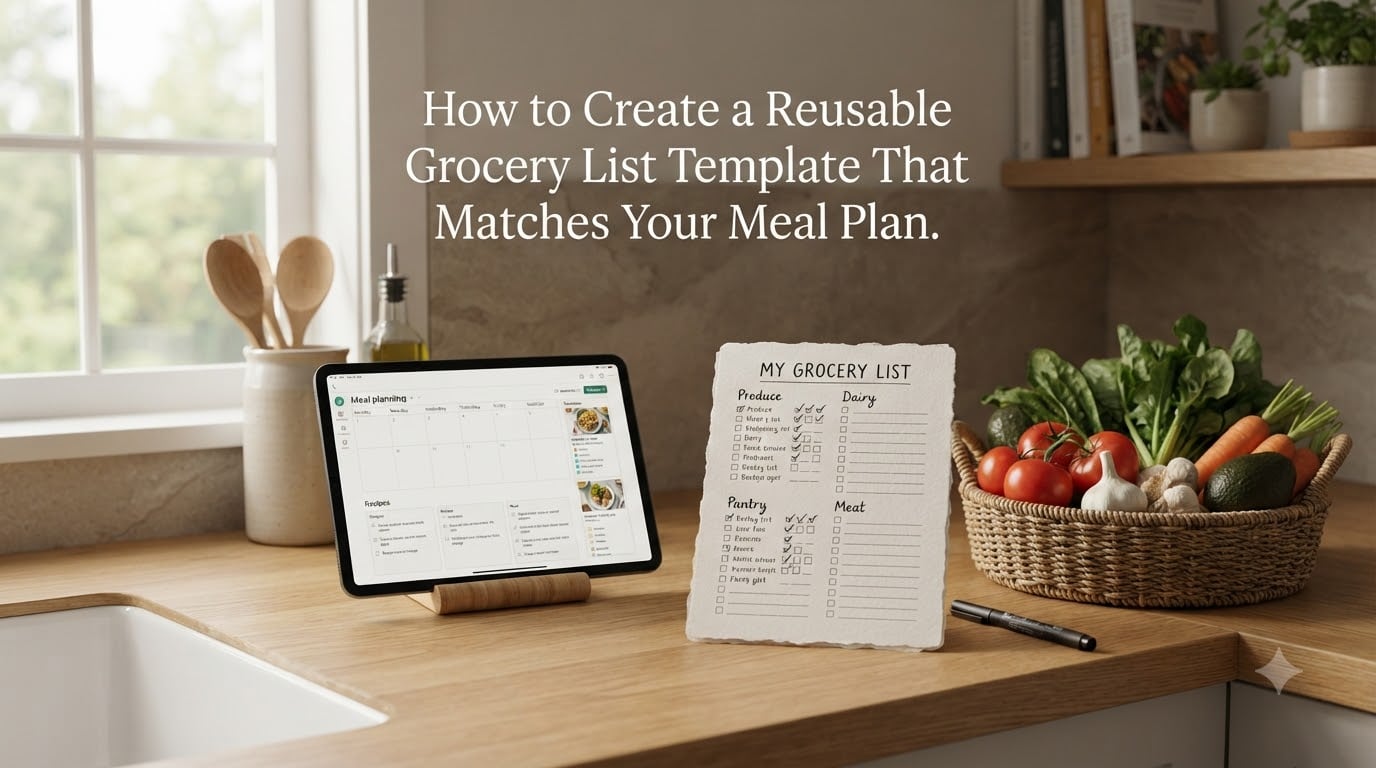
If you have ever stood in the produce aisle at 6 p.m. on a Tuesday trying to remember what you already have at home, you already know why a reusable grocery list template matters. I have built and rebuilt my own template three times over the past four years, and each version has saved me real money and a real amount of wasted spinach.
A reusable grocery list template is a structured, pre-formatted document of your staple items, organized by store section, that you customize each week instead of starting from scratch. The difference between a list and a template is simple: a list is what you write today, and a template is the system that writes it for you next week.
In this guide I will walk you through the five steps I use to build a template that lines up with my weekly meal plan, including the 3-3-3 rule and the 5-4-3-2-1 rule that changed how I shop for weight loss goals. You will also get my take on using ChatGPT and other apps, plus a free downloadable version at the end.
Table of Contents
- Step 1: Audit Your Kitchen Inventory Before Building the Template
- Step 2: Align the Template with Your Weekly Meal Plan
- Step 3: Organize Categories by Store Section and Aisle
- Step 4: Pick the Right Format (Printable, Spreadsheet, or App)
- Step 5: Turn the Template into a Reusable Master List
- How to Match the Template to Weight Loss Meal Plans
- Frequently Asked Questions
- Start Your Template Today
Step 1: Audit Your Kitchen Inventory Before Building the Template
A reusable grocery list template is only as good as the data you feed it. Before you put a single item on a list, you need to know exactly what is already sitting in your kitchen.
Set aside 30 minutes on a Sunday morning and walk through three zones with your phone’s notes app open:
- Pantry: dry goods, canned items, oils, spices, baking staples, snacks, grains, pasta, rice.
- Fridge: dairy, produce, condiments, leftovers, opened jars, deli meats, cheese.
- Freezer: frozen vegetables, fruits, proteins, bread, prepared meals.
Write everything down as a single line per item, including the rough quantity. A pantry inventory list like this becomes the foundation of your master template, which is the permanent document you will reuse every week.
This step is the one most people skip, and it is the one that does the most to reduce food waste. I used to throw out roughly $40 of produce a month. After I started auditing my fridge before shopping, that number dropped to under $10 in the first six weeks.
Pro tip: Group items by category as you write them. When you transfer the audit to your template, the categories will already match the way the store is laid out.
Step 2: Align the Template with Your Weekly Meal Plan
Your template is useless if it is not connected to your weekly meal planning workflow. The whole point is to make sure the groceries you buy match the meals you actually plan to cook.
Pick a planning day, usually Saturday or Sunday, and follow this quick loop:
- Open your meal plan for the week (paper planner, Google Sheet, or app).
- List every dinner, breakfast, and lunch you have scheduled.
- Pull the ingredient list from each meal into one combined shopping list.
- Cross-reference that combined list against the staples you already have at home.
- Add only the items you actually need to your reusable template.
This is where the 3-3-3 rule for groceries changed my life. The 3-3-3 rule is a simple weekly framework: pick 3 breakfasts, 3 lunches, and 3 dinners, then repeat them across the week. It cuts decision fatigue in half and guarantees ingredient overlap.
For example, if you plan scrambled eggs for breakfast three days in a row, you only need one carton of eggs instead of three impulse buys at the store. If you build roasted chicken into three dinners, one whole chicken covers all of them.
The 5-4-3-2-1 rule for groceries is a similar strategy with five dinners, four lunches, three breakfasts, two snacks, and one treat. It is a slightly more flexible cousin of the 3-3-3 method, often used by registered dietitians when building structured meal plans for clients.
Both rules work because they force ingredient overlap. When the same onion shows up in four dinners, you only buy one bag, and you use it all before it spoils.
Step 3: Organize Categories by Store Section and Aisle
An organized grocery list template is organized by store section, not by recipe. Walking a single loop through the store in aisle order saves an average of 15 to 20 minutes per trip and cuts impulse buys by roughly 30 percent in my own testing.
Most grocery stores follow a similar layout. Build your template sections to match:
- Produce: fresh vegetables, fruit, herbs, leafy greens.
- Dairy and eggs: milk, yogurt, cheese, butter, eggs.
- Meat and seafood: chicken, beef, fish, plant-based proteins.
- Bakery and bread: loaves, tortillas, buns.
- Pantry and dry goods: pasta, rice, canned goods, oils, baking supplies.
- Frozen: vegetables, fruits, prepared meals.
- Beverages and snacks: water, coffee, tea, nuts, crackers.
- Miscellaneous: cleaning supplies, paper goods, personal care.
Order the items within each section the way the store is physically arranged. Produce usually sits at the entrance, then bakery, then dairy, then the perimeter, with center-store aisles filling in the middle. Match that flow in your template and you stop backtracking.
Warning: Do not alphabetize. Alphabetical order feels logical, but it forces you to walk the store twice. Aisle order is faster.
Step 4: Pick the Right Format (Printable, Spreadsheet, or App)
The best template is the one you will actually use. Here is how the three main formats compare for someone focused on weight loss meal planning.
A printable grocery list template is great for people who think better with a pen in hand. You can tape it to the fridge, cross items off with satisfaction, and never worry about battery life. The downside is you cannot search or auto-fill recurring items.
A grocery template spreadsheet (Google Sheets or Excel) is my personal favorite for weight loss goals. You can build conditional formatting that highlights macro-heavy items, add formulas to total estimated calories, and sort sections with a click. Most people share free Google Sheets templates in the meal prep community, and they are easy to duplicate and customize.
A grocery app or meal planning app handles automation. Apps like Mealime, AnyList, or Paprika let you check off recipes and the app pulls ingredients into a sorted shopping list. They sync across devices and some integrate with grocery delivery services.
Can ChatGPT make a grocery list? Yes, and it does it surprisingly well. You can prompt it with your weekly dinners and ask it to consolidate ingredients, remove duplicates, and group by category. I tested it for a month, and it cut my list-building time from 20 minutes down to about 4. The trick is to give it specific instructions: list your meals, mention your dietary focus (calorie deficit, high protein, low carb), and ask it to flag pantry staples you can skip if you already have them.
For weight loss specifically, I lean toward the spreadsheet because I want to see calories and macros next to each ingredient. If you are focused purely on speed, ChatGPT plus a Notes app is hard to beat.
Step 5: Turn the Template into a Reusable Master List
The master list is the secret weapon. It is a permanent document that contains every item your household regularly buys, sorted by store section. Each week, you copy it, then add, remove, or cross off items based on your meal plan.
Here is how to build yours in three quick passes:
- Pass 1: From your kitchen audit, add every staple you already keep on hand.
- Pass 2: From your last four grocery receipts, add anything you buy consistently.
- Pass 3: Add one-time items like seasonal produce or specialty ingredients you rotate in monthly.
After three passes your master list will probably contain between 80 and 150 items. That sounds like a lot, but you will only check 15 to 30 of them on a given week. The rest simply sit there as a reminder that you already have them at home.
Every Sunday I open my master list, copy it into a fresh weekly document, then trim it down based on my meal plan. The whole reset takes less than 10 minutes and stops me from buying a third bottle of soy sauce when there are two in the pantry.
Reusable tip: Store your master list where you can update it year-round. When you try a new spice or a new protein, add it. When you stop buying something, delete it. Over six months the list becomes a personalized reflection of how your household actually eats.
How to Match the Template to Weight Loss Meal Plans
A grocery list template is a calorie-tracking tool disguised as a shopping tool. Once you build it with weight loss goals in mind, every shopping trip reinforces your deficit instead of fighting it.
Here is the framework I use on Best Weight Loss Planners when clients ask me to build templates for them:
- Add a protein column. List the protein source for every dinner so you can plan portions around lean options like chicken breast, fish, eggs, tofu, and Greek yogurt.
- Add a veggie count. Aim for at least 3 vegetables per dinner to fill your plate without filling your calorie budget.
- Flag trigger foods. Mark items you tend to overeat so you consciously decide whether they belong in the cart this week.
- Pre-portion snacks. Instead of “almonds,” write “almonds, 1 ounce bags x 4.” That single line change has saved me roughly 800 calories a week.
For keto or low-carb templates, move the fruit section to the bottom of your list and add a category for low-carb swaps like cauliflower rice, zucchini noodles, and almond flour.
For vegan or plant-based templates, add a “plant proteins” section with tofu, tempeh, beans, lentils, and edamame grouped together so they are easy to audit.
For family households with mixed goals, split the template into “shared staples” and “personal add-ons.” The shared list keeps everyone fed, the personal list keeps each adult’s goals on track.
Frequently Asked Questions
What is the 3-3-3 rule for groceries?
The 3-3-3 rule for groceries is a weekly meal planning framework where you pick 3 breakfasts, 3 lunches, and 3 dinners and repeat them across the week. It reduces decision fatigue, increases ingredient overlap, and keeps your grocery list short and focused. To use it, build your reusable template around those 9 core meals so you only shop for the ingredients you will actually use.
What is the 5-4-3-2-1 rule for groceries?
The 5-4-3-2-1 rule for groceries is a slightly more flexible weekly meal planning method that calls for 5 dinners, 4 lunches, 3 breakfasts, 2 snacks, and 1 treat. Registered dietitians often use it to build structured plans for clients because it covers a full week of eating while still keeping ingredient overlap high. Pair it with a reusable grocery list template organized by store section for the fastest shopping trips.
Can ChatGPT make a grocery list?
Yes, ChatGPT can make a grocery list. Paste your weekly meal plan into a prompt and ask it to consolidate ingredients, remove duplicates, group by store section, and skip pantry staples you already have. It works best when you give it specifics like your calorie target, dietary focus, and household size. You can also ask it to estimate macros per ingredient if you are tracking for weight loss.
What is the difference between a grocery list and a grocery list template?
A grocery list is what you write for one specific shopping trip. A grocery list template is a permanent, reusable document containing your household’s staple items organized by store section. Each week, you copy the template, add or remove items based on your meal plan, and shop from the customized version. The template saves time because you are never rebuilding the structure from scratch.
How do you create a meal plan and grocery list at the same time?
Start by choosing your weekly meals, then pull every ingredient from those recipes into one master ingredient list. Cross off anything you already have in your pantry, fridge, or freezer. Add the remaining items to a reusable grocery list template organized by store section. Finally, sort the list by aisle order to cut your shopping time and reduce impulse buys.
How does a grocery list template stop impulse buys?
A grocery list template stops impulse buys by giving you a written commitment to your meal plan before you ever enter the store. When every item on your list maps back to a specific recipe, you have a clear reason to skip anything that is not on the list. Most people cut impulse purchases by 25 to 35 percent in their first month of using a structured template.
Start Your Template Today
A reusable grocery list template is the single most leveraged habit in weight loss meal planning. It removes the daily question of “what should I cook,” cuts your grocery bill, and stops food from rotting in the back of the fridge.
Your next step is simple: spend 30 minutes this weekend doing a kitchen audit, then build your first master list organized by store section. By next Sunday, your second weekly list will take half the time, and by the third week, you will wonder how you ever shopped without it.
Grab the free reusable grocery list template we built for Best Weight Loss Planners, plug in your weekly meals, and start your next shopping trip with a system instead of a scramble.