
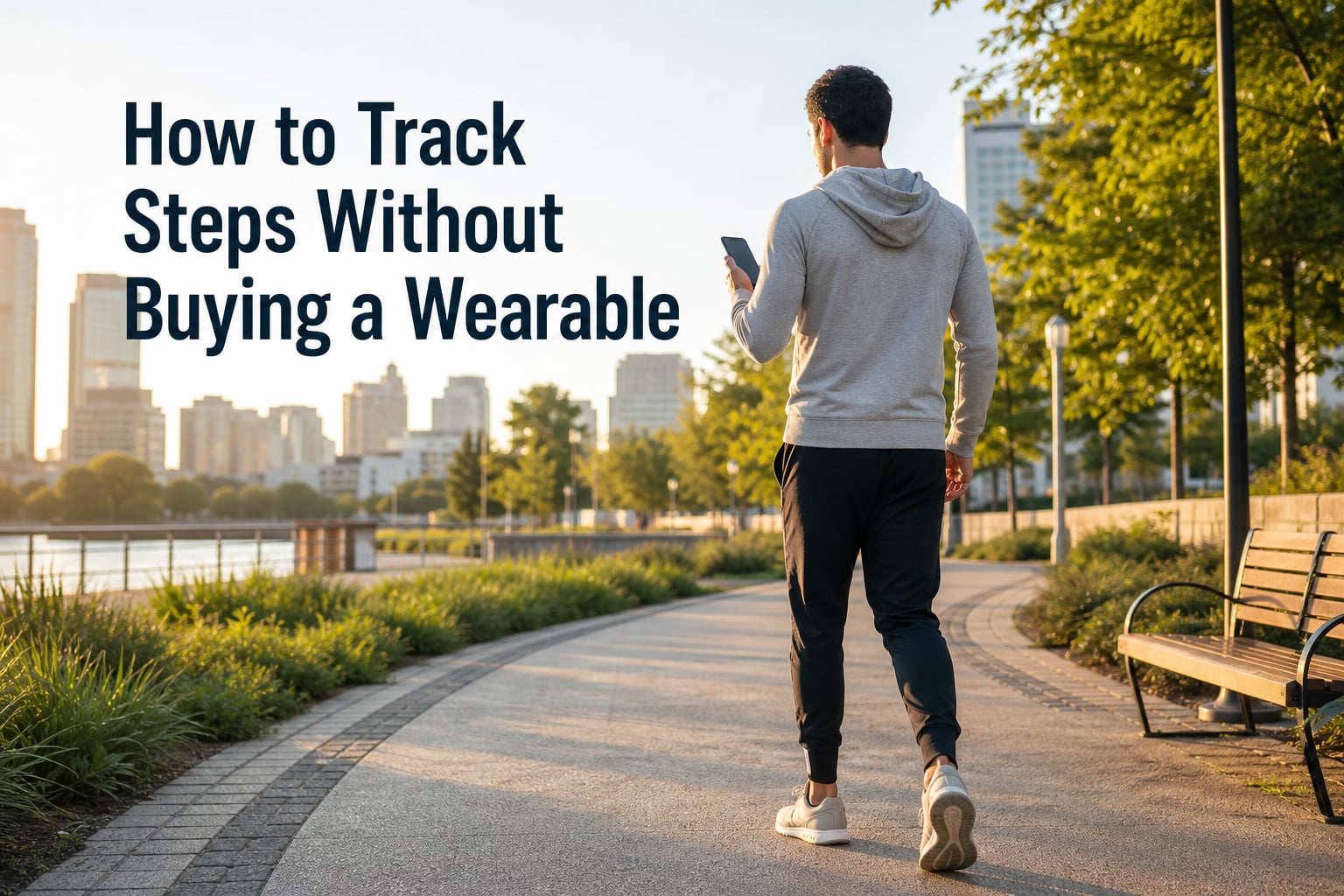
You can track steps without buying a wearable by using your smartphone’s built-in accelerometer and free apps like Apple Health or Google Fit. Modern phones have the same motion-sensing technology as fitness bands, and they work in your pocket, bag, or hand without needing any extra hardware.
I figured this out after my old fitness tracker died and I didn’t want to drop another $150 on a replacement. Over the past year, I’ve tested every method below to track my daily steps, and I’m sharing what actually works (and what doesn’t) so you can save money while keeping your step count honest.
Table of Contents
- Why Your Phone Is All You Need to Track Steps
- How to Track Steps on iPhone Using Apple Health
- How to Track Steps on Android Using Google Fit
- Best Free Third-Party Step Counter Apps
- How to Count Steps Manually Without Any Device
- Accuracy Comparison: Phone Tracking vs Wearables
- Tips for Reaching 10,000 Steps Without a Watch
- Frequently Asked Questions
- The Bottom Line on Tracking Steps Without a Wearable
Why Your Phone Is All You Need to Track Steps
Your smartphone already has an accelerometer, gyroscope, and motion processor built in. These tiny sensors detect movement patterns that match walking, then count them as steps using algorithms developed over the past decade.
The same chip technology that powers a Fitbit or Apple Watch lives inside your phone. The main difference is placement. A wearable sits on your wrist, while a phone rides in your pocket, bag, or even your hand. The accuracy difference is smaller than most people think.
Research published in peer-reviewed journals shows phone-based step tracking is accurate within 5-10% of wrist-worn devices during normal daily walking. The gap closes further when you keep your phone in a fixed position like a pocket or belt clip.
How to Track Steps on iPhone Using Apple Health
Every iPhone from the 5S onward comes with Apple Health pre-installed, and it’s the easiest way to track steps without buying a wearable. The app pulls motion data from your phone’s sensors automatically.
Here’s how to set it up in under two minutes:
- Open the Health app on your iPhone (the white icon with a pink heart)
- Tap the “Browse” tab at the bottom right
- Select “Activity” or search for “Steps”
- Make sure “Steps” tracking is enabled with a green checkmark
- Carry your phone as you normally would, in your pocket, hand, or bag
Apple Health starts counting immediately. To see your daily total, tap “Steps” in the Activity section. You’ll see today’s count, weekly averages, and trends over time.
One tip from my own testing: put your iPhone in your front pocket for the most accurate count. Back pocket or purse placement can undercount by 5-15% because the motion signature gets dampened.
You can also set daily step goals in Apple Health. Go to Browse, then Steps, then tap “Show All Data” at the bottom. Scroll to the bottom and find “Options” to set a custom daily goal.
How to Track Steps on Android Using Google Fit
Android users have a built-in option through Google Fit, which works on every phone running Android 8.0 or newer. The setup is just as simple as Apple Health.
Follow these steps to start tracking:
- Download Google Fit from the Play Store if it’s not already installed
- Sign in with your Google account
- Grant the app permission to access “Physical Activity” sensors
- Tap the “Heart Points” or “Steps” tile on the home screen
- Carry your phone throughout the day as normal
Google Fit shows your daily step count, distance traveled, and active minutes. The app also rewards “Heart Points” for faster walking, which is a nice motivational bonus.
Samsung Galaxy users can also use Samsung Health as an alternative. It’s pre-installed on Samsung phones and offers similar features. Both apps pull from the same underlying Android sensors, so accuracy is comparable.
Best Free Third-Party Step Counter Apps
While Apple Health and Google Fit are the default choices, several free third-party apps offer extra features like social challenges, detailed analytics, or treadmill-specific tracking.
Here are the options worth trying in 2026:
- Pedometer by Pacer: Tracks steps using GPS and motion sensors, includes weight loss tracking, and works in the background with minimal battery drain
- Step Counter by Leap Fitness: Lightweight app with a simple interface that shows daily, weekly, and monthly step totals without sign-in requirements
- MyFitnessPal: Primarily a calorie tracker, but it includes step counting and integrates with most phone-based motion sensors
- Sweatcoin: Converts your steps into virtual currency redeemable for rewards, motivating extra walking through gamification
Most of these apps use the same phone sensors as Apple Health and Google Fit, so accuracy is similar. The difference comes down to extra features, interface design, and whether you want social accountability.
I tested Pedometer by Pacer for three months and found it slightly more accurate than Apple Health when my phone was in a backpack, since it has better motion filtering algorithms.
How to Count Steps Manually Without Any Device
What if you don’t have your phone with you? You can still estimate step counts using math, time, and a known distance. This method is how runners tracked steps for decades before digital pedometers existed.
The simplest approach uses a running track. Most tracks are 400 meters per lap. Walk or run four laps, then estimate your steps based on your stride length. On average, one lap equals about 500-600 steps depending on your height and pace.
For everyday walking, you can use a formula based on time:
- Slow walking (2 mph): roughly 100 steps per minute
- Moderate walking (3 mph): roughly 125 steps per minute
- Brisk walking (4 mph): roughly 150 steps per minute
If you walk for 30 minutes at a moderate pace, that’s about 3,750 steps. To reach 10,000 steps, you’d need roughly 80 minutes of moderate walking.
You can also count steps manually for short distances. Count your steps for 20 feet, then multiply by your total distance. This is tedious for a full day, but useful for estimating how many steps a specific errand takes.
Stride length matters more than people think. Taller people cover more ground per step. A person who’s 6 feet tall might take 1,800 steps per mile, while someone who’s 5’2″ might take 2,500 steps for the same mile.
Accuracy Comparison: Phone Tracking vs Wearables
Phone-based step tracking has improved dramatically over the past five years. Early smartphone pedometers were notoriously inaccurate, but modern sensors and processors handle motion detection far better.
A study from the University of British Columbia found phones placed in your front pocket count accurately within 1-2% of wrist wearables. The accuracy drops when phones are in bags, purses, or held loosely in your hand.
For treadmill walking specifically, phones can struggle since the belt motion creates false signals. Placing your phone on the console or in a phone holder on the treadmill gives more reliable counts than holding it in your hand.
Wrist wearables still have an edge for activities like elliptical training or stair climbing, where wrist motion captures movement better than hip or pocket sensors. But for regular daily walking, your phone does the job well enough.
Tips for Reaching 10,000 Steps Without a Watch
Tracking steps is only useful if you actually walk more. Here are the strategies I use to hit 10,000 steps most days, all without wearing anything on my wrist.
Take walking meetings. I take phone calls while pacing my apartment or walking outside. Two 30-minute calls can add 3,000-4,000 steps easily.
Use the stairs, every time. Climbing three flights of stairs adds about 200 steps. Doing this five times a day adds 1,000 steps with zero extra time.
Park farther away. Parking at the back of the lot adds 100-200 steps each trip, and it takes about the same amount of time as circling for a closer spot.
Walk during TV commercials. I pace during every commercial break. A one-hour show with 15 minutes of ads gives you 1,500-2,000 steps.
Set hourly reminders. I set a phone alarm every hour to stand and walk for 2-3 minutes. Over a 10-hour workday, that’s 2,000+ extra steps.
For people who can’t wear watches at work, like food service workers, carrying your phone in an upper arm strap or a phone holster on your belt gives you accurate tracking without violating dress codes.
Many people in restaurant and healthcare jobs have found success with upper-arm phone holders. These clip to your sleeve or strap to your bicep and keep your phone stable enough for accurate step counting while leaving your wrists free.
Frequently Asked Questions
How can I track my steps without wearing a watch?
You can track steps without wearing a watch by carrying your smartphone and using built-in apps like Apple Health for iPhone or Google Fit for Android. These apps use your phone’s accelerometer and motion sensors to count steps automatically. Free third-party apps like Pedometer by Pacer also work well and offer extra features.
Is there a step tracker that isn’t a watch?
Yes, there are several step trackers that aren’t watches. Your smartphone acts as a step tracker using built-in motion sensors and free apps. You can also use clip-on pedometers that attach to your belt or shoe, though these are less common today. Phone-based tracking is the most popular no-wrist option because most people carry their phones already.
Does swinging your arms count as steps?
Arm swinging does count as steps when using a wrist-worn fitness tracker because it detects the arm motion. However, phone-based tracking relies on hip or pocket motion, so arm swinging alone doesn’t add steps. The walking motion of your legs and torso is what phone sensors detect, not arm movement specifically.
How to count 10,000 steps without a watch?
To reach 10,000 steps without a watch, carry your phone in your pocket or use a phone armband. You can hit 10,000 steps by walking about 5 miles, taking the stairs throughout the day, parking farther from entrances, and pacing during phone calls. Using apps like Apple Health or Google Fit tracks your progress automatically.
The Bottom Line on Tracking Steps Without a Wearable
Tracking steps without buying a wearable is completely doable in 2026. Your smartphone has all the sensors needed, and free apps like Apple Health, Google Fit, or Pedometer by Pacer handle the counting automatically. Whether you can’t wear a watch at work, want to save money, or simply forgot your fitness tracker, your phone is the answer you’ve already got in your pocket.
Start by enabling step tracking in your phone’s built-in health app today. Within a week, you’ll have a clear picture of your daily activity and a baseline to improve from.