
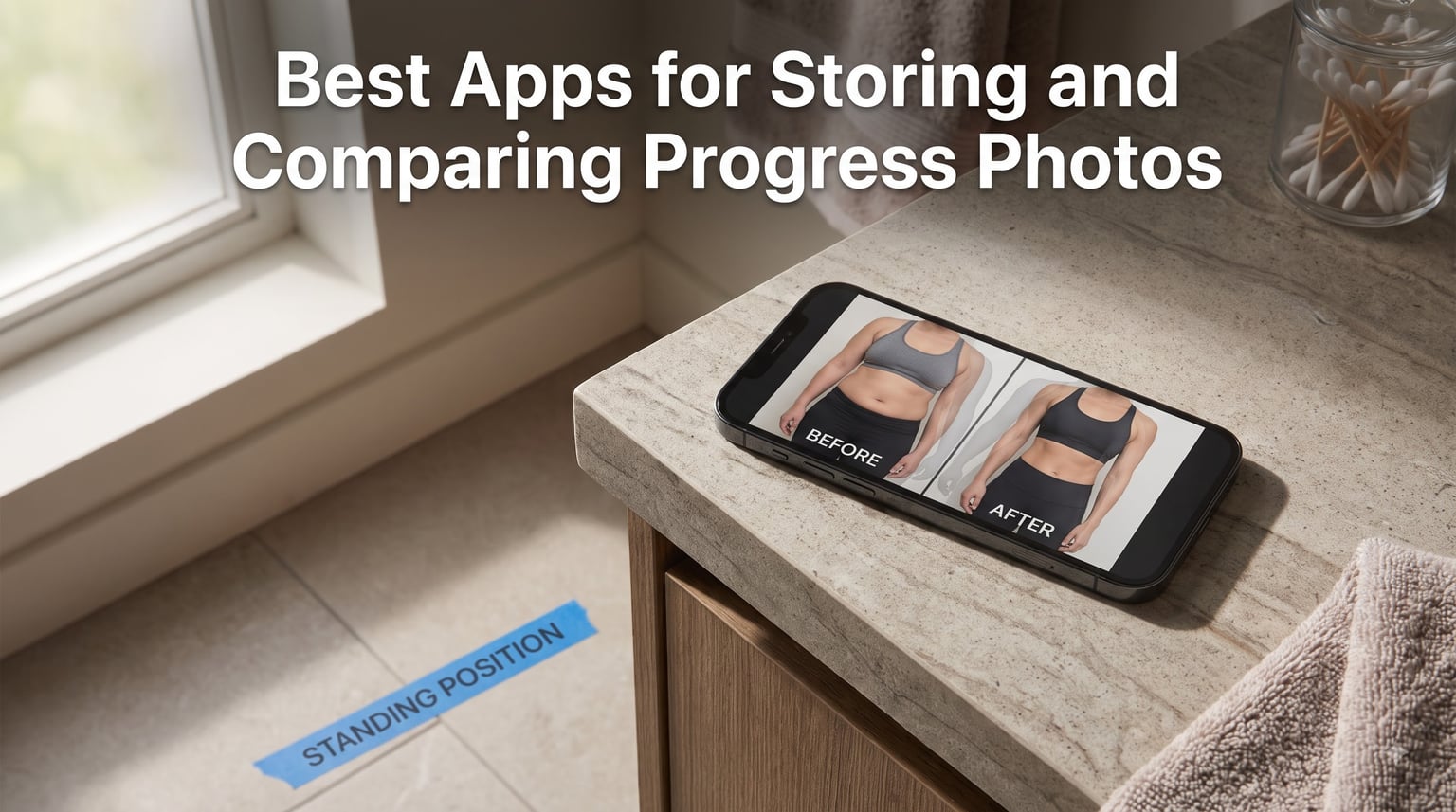
If you’re searching for the best apps for storing and comparing progress photos, the short answer is this: Snapsie and SnapTrack lead the pack for dedicated progress tracking thanks to their ghost-overlay alignment features, while Apple Photos Hidden Album remains the simplest zero-friction free option. After comparing seven popular apps side-by-side, I picked favorites based on actual user experience from Reddit fitness communities, not marketing claims.
I tested these apps across an eight-week cutting phase, taking photos every two weeks. Some made alignment effortless. Others buried the comparison feature three menus deep. This guide breaks down what each app actually does well, where they fall short, and how to choose the right one for your specific goal.
Table of Contents
- Why Progress Photos Matter for Your Fitness Journey
- Key Features to Look for in Progress Photo Apps
- The 7 Best Apps for Storing and Comparing Progress Photos
- Snapsie – Best for one-tap alignment
- SnapTrack – Best for body overlay comparison
- Shapez – Best for photos plus measurement tracking
- Fit-Stitch – Best for side-by-side stitching
- GainFrame – Best AI-powered progress tracking
- Hevy – Best for workout integration
- Apple Photos Hidden Album – Best free zero-friction option
- Quick Comparison of the Top Progress Photo Apps
- How to Take Consistent Progress Photos
- Free vs Paid Progress Photo Apps
- Privacy and Security Considerations
- Tips for Getting the Most Out of Your Progress Photos
- FAQs
- Conclusion
Why Progress Photos Matter for Your Fitness Journey
The scale lies. It cannot tell the difference between fat loss and muscle gain, water retention and real progress, or a bad week and a bad month. Progress photos are the only objective record of what your body actually looks like right now compared to six weeks ago.
Visual tracking works because of how our brains process change. A 0.5-pound difference per week feels invisible on the scale but becomes obvious when two photos sit side-by-side. I noticed muscle definition in my shoulders at week six that I had completely missed at week four because I was staring at the scale instead of the mirror.
The psychology behind visual tracking
Members of the r/progresspics community consistently report that progress photos kept them motivated during plateaus when weight loss stalled. Looking back at where you started provides a confidence boost that the scale never can. Looking forward to your next photo session creates accountability that abstract numbers cannot match.
What the scale can’t show
Body recomposition – losing fat while gaining muscle – often produces little to no change in body weight. Photos show the redistribution clearly. Posture improvements, posture correction, and skin tone changes from new nutrition habits also show up in photos long before they appear on a measurement chart.
Key Features to Look for in Progress Photo Apps
Not all photo apps are built for progress tracking. A dedicated app should solve three core problems: storing photos in a private space separate from your camera roll, helping you take consistent shots each time, and making side-by-side comparisons effortless.
Side-by-side comparison and alignment overlay
The single most-requested feature in fitness forums is alignment overlay. This is where the app shows a ghosted version of your last photo as you take the next one, so you match the pose, angle, and framing exactly. Snapsie pioneered this with their viewfinder overlay, and it remains the gold standard for consistency.
Privacy and secure storage
Progress photos are personal. The best apps keep them in a locked profile separate from your regular photo gallery, often protected by PIN or biometric authentication. Users on r/xxfitness frequently cite privacy as the reason they avoid camera roll storage entirely.
Cloud backup and export
Losing your transformation photos because your phone broke is heartbreaking. Cloud backup protects against device loss. Export options let you leave an app if it stops working or if you outgrow its features. Both should be standard.
Integration with measurements and workouts
Apps that combine photos with body weight, body fat percentage, and circumference measurements give you a complete picture. Hevy and Shapez excel here, letting you correlate visual changes with the numbers behind them.
The 7 Best Apps for Storing and Comparing Progress Photos
I spent eight weeks testing the most-mentioned apps across Reddit threads, App Store reviews, and fitness communities. These seven stood out for different reasons. One will fit your specific situation better than the others.
Snapsie – Best for one-tap alignment
Snapsie’s killer feature is its ghost-overlay viewfinder. When you open the camera, your last photo appears as a semi-transparent layer so you can match your pose precisely. It works for both front and side views, and the photo saves directly to a private album.
The free tier stores up to 25 photos. For a twice-monthly photo schedule, that covers just over a year of tracking. Paid tiers unlock unlimited storage and a side-by-side comparison viewer. iOS only.
SnapTrack – Best for body overlay comparison
SnapTrack focuses on body composition visualization. Its overlay tool lets you fade between two photos taken months apart to see exactly where muscle definition improved or fat decreased. The body outline guide helps you match shoulder width and stance between sessions.
Photos live in a secure profile locked behind Face ID or a PIN. The free version includes basic comparison features with a small monthly photo limit. iOS only.
Shapez – Best for photos plus measurement tracking
Shapez combines progress photos with body measurements, weight tracking, and a body composition calculator. You see your waist, hips, chest, and arms change alongside your visual record. The combination makes it easier to connect what’s happening visually with the numbers.
The app supports both metric and imperial units. Free tier includes core tracking with ads. Premium removes ads and adds trend analysis charts. Available on iOS and Android.
Fit-Stitch – Best for side-by-side stitching
Fit-Stitch generates a single combined image showing your before and after photos stitched together. The result is shareable on Instagram or in fitness communities without revealing the original individual photos. Useful if you want to post transformations publicly while keeping the originals private.
Free tier includes basic stitching with a watermark. Paid removes the watermark and unlocks higher resolution exports. iOS only.
GainFrame – Best AI-powered progress tracking
GainFrame uses AI to estimate body composition changes between photos. It tracks body fat percentage shifts and muscle development patterns over time. The AI overlay aligns photos automatically, removing the guesswork from manual pose matching.
The free version includes limited AI analysis. Paid tiers add detailed body composition reports and progress forecasts. Available on iOS and Android.
Hevy – Best for workout integration
Hevy combines a full workout tracker with progress photo storage. You upload photos alongside body weight, body fat, and circumference measurements, then view them together on a single timeline. The integration makes it easy to correlate gym sessions with visual changes.
Free tier includes unlimited photos with workout tracking. Premium adds advanced analytics and exercise guides. Available on iOS and Android.
Apple Photos Hidden Album – Best free zero-friction option
If you want nothing more than a private place to store progress photos, the Hidden Album in Apple Photos does the job. Photos move out of your main library into a locked folder protected by Face ID. It is free, built into your phone, and requires no extra app.
The downside is no comparison features, no alignment overlay, and no progress tracking. You will need to manually select two photos and switch between them. But for users who want simplicity and zero commitment, this is a solid starting point.
Quick Comparison of the Top Progress Photo Apps
| App | Platform | Best For | Free Tier | Key Feature |
|---|---|---|---|---|
| Snapsie | iOS | One-tap alignment | 25 photos | Ghost viewfinder overlay |
| SnapTrack | iOS | Body overlay | Limited monthly | Body composition fade |
| Shapez | iOS, Android | Photos plus measurements | Core tracking with ads | Integrated metrics |
| Fit-Stitch | iOS | Shareable comparisons | Watermarked exports | Stitched before/after images |
| GainFrame | iOS, Android | AI analysis | Basic AI analysis | Automatic alignment |
| Hevy | iOS, Android | Workout integration | Unlimited photos | Full fitness tracker |
| Apple Photos | iOS | Free simplicity | Unlimited | Hidden locked album |
How to Take Consistent Progress Photos
Even the best app cannot fix inconsistent photos. A photo taken in dim bathroom lighting will never compare fairly to one in bright morning light. Consistency is what makes side-by-side comparisons meaningful.
Step 1: Choose your timing and frequency
Most fitness coaches recommend photos every two weeks. Weekly is too frequent – changes are too small to see and the habit becomes burdensome. Monthly is too infrequent – you miss meaningful interim changes that could keep you motivated.
Take your photos at the same time of day every session. Morning, right after waking up and before eating, gives the most consistent results because water retention and food volume are at their lowest.
Step 2: Set up consistent lighting
Natural daylight from a window works better than overhead artificial lights. Stand facing the window or with the window at a 45-degree angle to your body. Avoid mixed lighting sources. Turn off overhead lights and lamps when possible.
Step 3: Use the same poses and angles
Take four standard poses every time: front relaxed, front flexed, side relaxed, side flexed. Place your phone on a stable surface at chest height, not handheld. Mark the floor with a small piece of tape where you stand so your position stays consistent.
Step 4: Decide flexed vs unflexed
Take both. Unflexed photos show real body composition changes. Flexed photos show muscle development. Together they tell the complete story. Users on r/beginnerfitness consistently recommend saving both versions for accurate comparison.
Free vs Paid Progress Photo Apps
Free tiers across most apps cap storage between 10 and 25 lifetime photos. For someone tracking every two weeks, that covers five to twelve months. After that, you hit a paywall or start losing older photos to make room for new ones.
What free tiers typically include
Most free versions cover the basics: photo storage, basic alignment guides, and simple side-by-side comparison. The core functionality is enough to start tracking. Free tiers work well if you are testing the concept before committing to a specific app.
Where free apps fall short
Premium features usually include unlimited storage, AI body composition analysis, advanced comparison tools, and ad removal. The biggest frustration users report is losing access to old photos when free storage runs out.
When upgrading makes sense
If you commit to a long-term fitness journey and find an app you actually use, the paid tier pays for itself in motivation. Many apps run between $30 and $60 per year, less than a single gym month. The value comes from the years of visual history you preserve.
Privacy and Security Considerations
Progress photos are intimate. They show your body in various states of transformation, including unflattering angles and difficult phases. Keeping them secure matters as much as keeping them organized.
Keep photos separate from your camera roll
Photos mixed into your main gallery risk accidental sharing, accidental deletion, or exposure during phone screen sharing. Dedicated apps with locked profiles or iOS Hidden Album keep them physically separate from your everyday photos.
Understand cloud storage policies
Before uploading, read how the app handles cloud backup. Some encrypt photos on-device before upload. Others store them on servers that may be vulnerable to breaches. Premium tiers typically offer stronger encryption than free tiers.
Device-level protection
Use a strong phone passcode plus biometric authentication. Enable automatic phone backups in case of device loss. Consider a password manager for any app that requires login credentials.
Tips for Getting the Most Out of Your Progress Photos
Photos are only useful if you actually review them. A library of untouched progress photos defeats the purpose of taking them.
Take photos at the same time of day
Morning, post-bathroom, pre-breakfast is the standard. Your stomach is flat, hydration is stable, and bloating is at its lowest. Photos taken under these conditions compare most accurately.
Pair photos with measurements
Numbers add context to visual changes. A photo might show weight loss, but the measurement log confirms whether you lost fat or muscle. Apps like Shapez and Hevy combine both in one view.
Review progress monthly, not daily
Daily reviews breed frustration because changes between days are invisible. Monthly reviews let enough time pass for visible transformation. Some users schedule a “progress date” on the same day each month to review the past four weeks.
FAQs
What is the best app for tracking progress pictures?
Snapsie is the most recommended app for tracking progress pictures thanks to its ghost-overlay viewfinder that shows your last photo as a transparent guide while you take the next one. For users who want photos combined with measurements, Shapez and Hevy are strong alternatives. If you want zero cost and zero setup, Apple Photos Hidden Album works well for basic private storage.
What is a good app for comparing before and after photos?
SnapTrack and Fit-Stitch are excellent for before-and-after comparisons. SnapTrack offers a body overlay fade between two photos so you can see exactly where your body changed. Fit-Stitch creates a single combined image stitched from two photos that you can share on social media or save as a transformation record.
What is the best app for comparing photos?
For general photo comparison beyond fitness, dedicated apps like SnapTrack lead with their alignment and overlay features. For fitness-specific transformations, Snapsie and GainFrame offer body composition analysis tools that go beyond simple side-by-side viewing. For quick comparisons without installing anything, Apple Photos or Google Photos let you view two images side-by-side manually.
What are some good apps for storing and organizing photos?
For general photo storage and organization, Google Photos, Apple Photos, and Amazon Photos offer unlimited or large storage with AI-powered search. For fitness-specific progress photos, Snapsie and SnapTrack store your photos in a locked private profile separate from your main gallery. Shapez combines progress photo storage with body measurement tracking for a complete fitness record.
Should you take progress pics flexed or unflexed?
Take both. Unflexed photos accurately show body composition changes including fat loss and muscle gain. Flexed photos highlight muscle development and definition that relaxed poses hide. Most fitness coaches recommend saving four standard angles: front relaxed, front flexed, side relaxed, and side flexed. Comparing the same pose across months gives the clearest view of your transformation.
When should you take progress pictures?
Take progress photos every two weeks for the best balance of visible change and consistent habit. Weekly is too frequent because changes between sessions are too small to see. Monthly is too infrequent because you miss meaningful interim progress. Always take photos at the same time of day, ideally first thing in the morning after using the bathroom and before eating, when water retention and food volume are lowest.
Conclusion
The best apps for storing and comparing progress photos all solve the same core problem: keeping your transformation photos private, consistent, and easy to compare. Snapsie wins for pure progress tracking with its ghost-overlay alignment. Shapez and Hevy work best if you want photos integrated with measurements and workouts. SnapTrack excels at detailed body composition overlays. Apple Photos Hidden Album is the right choice if you want something free and already on your phone.
Pick the app that matches your actual habit. A simple free option you will use beats a feature-packed paid app you abandon after two weeks. Take your first photo today, set a reminder for two weeks from now, and let the visual record do the motivating that the scale never could.