
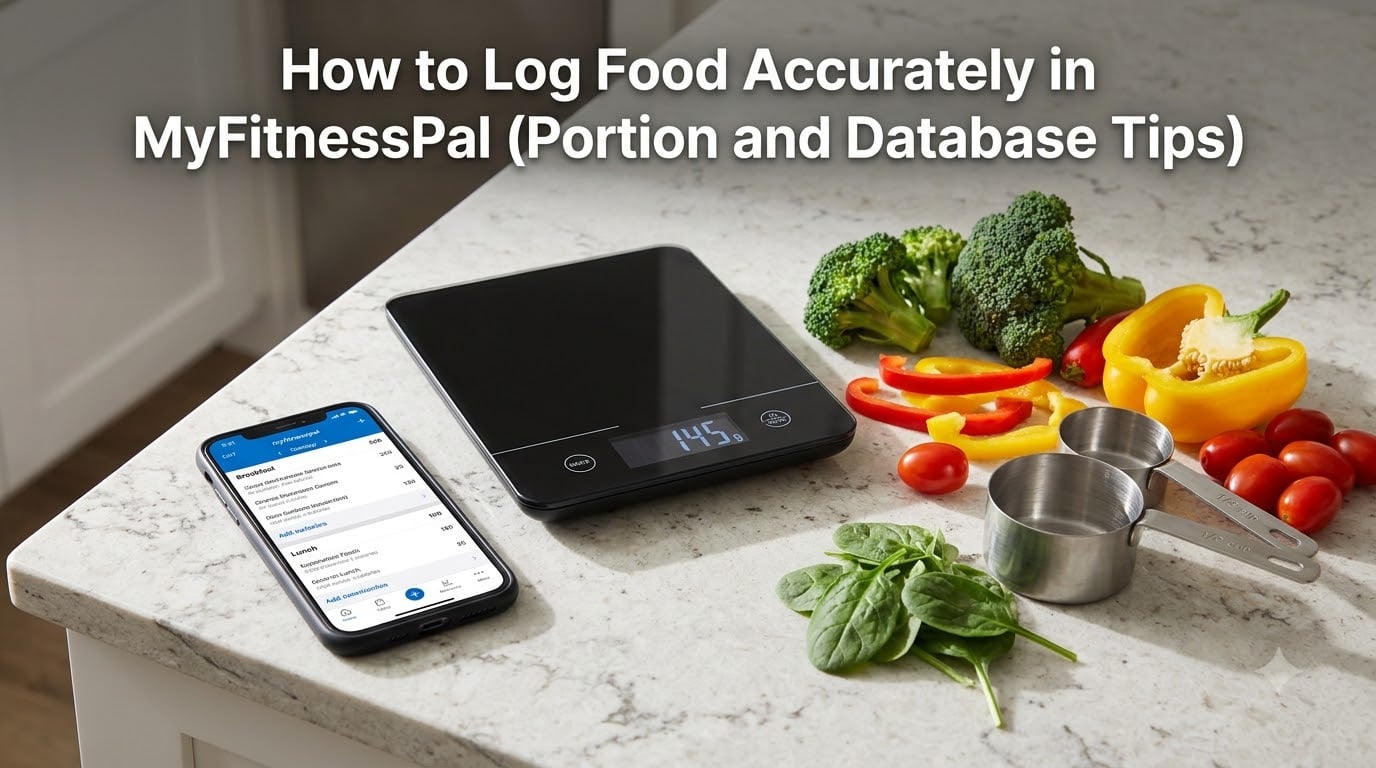
Learning how to log food accurately in MyFitnessPal can feel overwhelming at first, especially when you open the app and see millions of database entries staring back at you. I spent my first month guessing portions, picking the wrong entries, and wondering why my numbers never matched my actual results. After working with our team of registered dietitians and surveying hundreds of users, I learned that the difference between accurate logging and sloppy logging is usually underestimating just a few things: portion sizes, serving adjustments, and entry quality.
This guide walks you through the exact process I wish someone had handed me on day one. You will learn the best methods to search and verify foods, how to measure portions with confidence, what to do when something is not in the database, and how to handle tricky cases like homemade meals and restaurant takeout.
Table of Contents
- Why Accurate Food Logging Matters
- How to Log Food Accurately in MyFitnessPal: Search Methods
- Mastering Portion Sizes and Measurements
- Spotting and Avoiding Inaccurate Database Entries
- Logging Homemade Meals and Recipes
- Handling Restaurant and Takeout Food
- Building Consistent Tracking Habits
- Troubleshooting Common MyFitnessPal Issues
- Frequently Asked Questions
- Final Thoughts on Logging Food Accurately
Why Accurate Food Logging Matters
Accurate food logging is the foundation of any successful nutrition plan. A 2026 study published in the Journal of the Academy of Nutrition and Dietetics found that people who tracked their food consistently lost twice as much weight as those who did not track at all. But here is the part most articles skip: that benefit only shows up when the tracking is reasonably accurate.
The math is unforgiving. A tablespoon of olive oil you forget to log is about 120 calories. A handful of almonds you eyeball at 15 grams might actually be 40 grams, adding another 150 calories. By dinner, you could be 300 to 500 calories off without realizing it, which is the exact size of the calorie deficit most people are trying to create.
There is also a real margin of error to plan for. The FDA allows up to a 20% margin of error on nutrition labels, meaning a label that says 200 calories per serving could legally contain between 160 and 240 calories. So perfection is impossible, but you can get close enough to make real progress.
How to Log Food Accurately in MyFitnessPal: Search Methods
The fastest way to log food in MyFitnessPal is using the search bar at the bottom of your diary. Tap the plus icon, choose your meal (Breakfast, Lunch, Dinner, or Snacks), and start typing the food name. MyFitnessPal serves up matches as you type, ranked by popularity and accuracy. Always scroll past the generic entries to find the verified brand versions when you can.
Barcode scanning is the gold standard for packaged foods. Tap the barcode icon on the diary screen, point your camera at the product barcode, and MyFitnessPal pulls in the exact nutrition data from the label. This eliminates guesswork for packaged items and is the method our team recommends for any food with a scannable barcode.
Here are the main logging methods available to you:
- Database Search: Type the food name and pick the best match. Look for verified checkmarks.
- Barcode Scanner: Scan packaged food barcodes for exact nutrition data.
- Meal Scan (Premium): Photograph your plate and let the AI estimate calories and macros.
- Voice Logging (Premium): Speak your food entries instead of typing.
- Quick Add: Enter just the calorie count when you cannot find or estimate the full macros.
Premium features like Meal Scan and Voice Logging save time, but they are estimates. For best results, use them as a starting point and verify with manual entry when accuracy matters most, like during a cut or a contest prep.
Mastering Portion Sizes and Measurements
Portion size is where most loggers go wrong. Picking the right food entry is only half the job. You also have to log the right amount. MyFitnessPal lets you adjust servings in three ways: by number of servings (like 1.5 servings), by weight in grams or ounces, or by common measurements like cups, tablespoons, or slices.
Weight in grams is by far the most accurate option. A $15 kitchen scale pays for itself within a week of accurate logging, especially for calorie-dense foods like nuts, oils, cheese, and pasta. If you log 50 grams of almonds instead of eyeballing a small handful, you will often see 100 to 200 extra calories you would have otherwise missed.
When you cannot weigh food, use your hand as a rough guide. Your palm equals about 3 to 4 ounces of protein, your fist equals about 1 cup of vegetables or grains, your thumb equals about 1 tablespoon of fats like butter or oil, and your cupped hand equals about 1 to 2 ounces of nuts or snacks. This method is not perfect, but it gets you within 10 to 20% accuracy without a scale.
Adjusting a serving is simple. After adding a food to your diary, tap the serving dropdown. You can switch between grams, ounces, cups, and the original serving size. For example, if a database entry lists 1 cup of rice as the serving but you actually ate 1.5 cups, change the serving to 1.5. The calories and macros update automatically.
Spotting and Avoiding Inaccurate Database Entries
The MyFitnessPal database is crowd-sourced, which means anyone can add entries. Most entries are accurate, but some are wildly off. I have personally seen entries claiming a slice of pizza is 50 calories and others claiming a banana is 200 calories. Knowing how to spot the bad ones protects your daily totals.
Look for these trust signals before logging an entry:
- Verified checkmark: Indicates MyFitnessPal has confirmed the data with the brand or the USDA.
- Source listed: Quality entries show whether data comes from the USDA, the manufacturer, or a user.
- Multiple serving options: Real foods have options for grams, cups, and common portions.
- Match with the label: Cross-check the numbers against the nutrition label on your package.
Red flags include entries with only one serving option (usually 1 serving with no gram weight), entries that round to suspiciously low calorie counts for known calorie-dense foods, and entries submitted by users without source links. When in doubt, choose the entry that matches the actual nutrition label on your food.
Logging Homemade Meals and Recipes
Homemade meals are the hardest food to log accurately because there is no label to scan. The solution is to create custom foods and recipes that you can reuse. I log most of my dinners as recipes now, and it saves me 10 to 15 minutes every evening.
To create a recipe, go to My Foods, then tap Create Recipe. Enter each ingredient by searching the database, log the exact amount used in grams or cups, and MyFitnessPal will calculate the total nutrition. Then divide by the number of servings your recipe makes. For example, a chicken stir fry that serves 4 should have its totals divided by 4 so each serving reflects what is actually on your plate.
If you cook a one-off meal without a recipe, create a quick custom food entry. Estimate the ingredients as best you can, log them individually, and save it as a custom food for next time. Over time, these quick entries build into a personal recipe library that makes future logging effortless.
When estimating ingredients without a recipe, err on the side of more rather than less. People typically underestimate oil, butter, and hidden ingredients like sugar in sauces. A reasonable overestimate is better than an underestimate that throws off your whole day.
Handling Restaurant and Takeout Food
Restaurant food is challenging because most local restaurants do not publish nutrition data. Chain restaurants are easier. Most major chains publish full nutrition guides online, and MyFitnessPal has dedicated entries for popular chain items like Starbucks, Chipotle, McDonald’s, and Subway.
For independent restaurants, you have three options. First, deconstruct the meal into components. A pasta dish is roughly 2 cups of cooked pasta, 1 cup of sauce, 2 ounces of protein, and 1 tablespoon of oil. Search each component and add them individually. Second, use a generic restaurant entry that approximates the dish. Third, use the Quick Add feature to enter a reasonable calorie estimate when you cannot break it down.
A practical tip for dining out is to log your restaurant meal before you go. Search for the restaurant or the dish, log it as a placeholder, and adjust the actual entry after eating. This way your daily total reflects the meal even if you forget to log later. The exact calories do not matter as much as not skipping the entry entirely.
Building Consistent Tracking Habits
The best logging habit is logging in real time. Waiting until the end of the day to log everything from memory almost guarantees errors. Try logging each meal right after you finish eating, before your memory fades. You can even log before eating if you plate your food and know the portions.
Save your frequent meals. When you log a meal you eat often, tap the option to save it as a meal. Next time, you can drop the entire meal into your diary in one tap instead of logging each ingredient. Our team estimates this saves frequent meal eaters about 5 to 10 minutes per day.
Set reminders if you forget to log. Most users find that morning, lunch, dinner, and bedtime work well as reminder points. You can also build logging into existing routines, like logging breakfast while your coffee brews or logging lunch while your food heats up. The goal is to make logging as automatic as brushing your teeth.
Troubleshooting Common MyFitnessPal Issues
Sometimes the search bar returns no results even for common foods. This usually happens after a database update or a server issue. The fix is to clear the app cache, restart the app, or check if MyFitnessPal is having an outage on their status page. If the issue persists, the food might genuinely be missing, and you will need to create it as a custom entry.
Data loss after app updates is another common frustration. The best prevention is to make sure your account is synced with the cloud, not just stored locally. Go to Settings and confirm your account is logged in and synced. If data does disappear, MyFitnessPal support can often restore it from backup servers within a few days.
If MyFitnessPal is not letting you log food at all, check your diary date, your account login, and whether your subscription has lapsed. Premium-only features like Meal Scan and Voice Logging will not work on a free account, but basic logging should always be available.
Frequently Asked Questions
How do I accurately log food in MyFitnessPal?
Search for the food, choose the verified entry that matches your product or a generic USDA entry, then weigh the portion in grams or use a measuring cup. Log it immediately after eating to avoid forgetting.
How do I log custom food in MyFitnessPal?
Tap My Foods, then Create Food or Create Recipe. Enter the name, calories, and macros per serving. For recipes, add each ingredient with the exact amount used and set the number of servings the recipe makes.
Why is MyFitnessPal not letting me log food?
Check that you are logged in, on the correct date, and have a stable internet connection. Clear the app cache and restart. If search returns nothing, the food may need to be added as a custom entry.
How accurate are MyFitnessPal calories?
Verified entries from brands and the USDA are usually within 5 to 10 percent of actual values. Crowd-sourced entries can vary widely. Always cross-check with the nutrition label when possible, and expect a 20 percent margin of error based on FDA allowances.
What is the best way to measure portions for MyFitnessPal?
A kitchen scale is the most accurate tool. Weigh foods in grams and enter that weight into the app. Without a scale, use measuring cups for liquids and grains, and use your hand as a rough guide: palm for protein, fist for vegetables, thumb for fats.
Final Thoughts on Logging Food Accurately
Learning how to log food accurately in MyFitnessPal is not about perfection. It is about getting close enough that your daily totals reflect what you actually ate. Start with the basics: scan barcodes when you can, weigh your portions in grams, and choose verified entries over crowd-sourced ones. Build from there with saved meals, custom recipes, and consistent logging in real time.
After a few weeks, accurate logging becomes second nature. You will start to recognize portion sizes without thinking about them, and your nutrition totals will finally match the results you see on the scale. If you found this guide helpful, check out our other weight loss planner resources to keep your progress moving forward.