
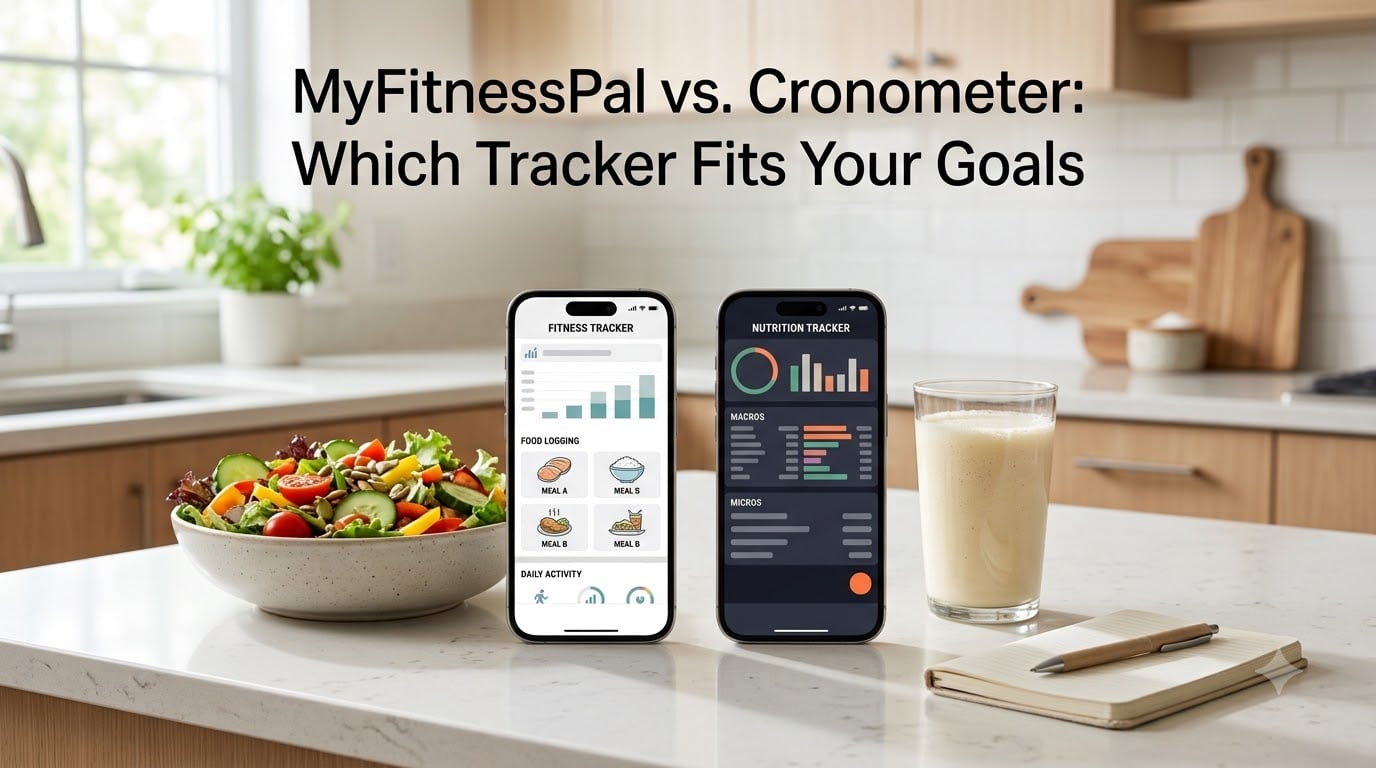
I tested both MyFitnessPal and Cronometer for 90 days to settle the MyFitnessPal vs Cronometer question once and for all. The decision comes down to a trade-off every nutrition tracker eventually faces: do you want the largest food database, or the most accurate one?
I logged over 1,400 meals across both apps, ran the same USDA accuracy test set against each platform, and tracked which one I reached for when the kitchen got messy at 7 a.m. Here is what I found, and which app I think fits which type of goal in 2026.
Table of Contents
- What Are MyFitnessPal and Cronometer
- MyFitnessPal vs Cronometer: Key Differences at a Glance
- Food Database: 14 Million Entries vs 1.2 Million Verified
- Macro Tracking: Which App Counts Macros Better
- Micronutrient Tracking: 80+ Nutrients vs Basic Vitamins
- Pricing and Free Tier: What You Get Without Paying
- Ease of Use and Logging Speed
- Who Should Choose MyFitnessPal
- Who Should Choose Cronometer
- How to Decide Between MyFitnessPal and Cronometer
- Common Mistakes When Switching Between Apps
- Frequently Asked Questions
- What is more accurate, Cronometer or MyFitnessPal?
- Why is Cronometer better than MyFitnessPal?
- Which app is better for weight loss?
- Can I track micronutrients in MyFitnessPal?
- Is Cronometer more accurate than MyFitnessPal?
- Is anything better than MyFitnessPal?
- Is there anything better than Cronometer?
- What is the #1 food tracking app?
- Choosing Between MyFitnessPal vs Cronometer for Your Goals in 2026
What Are MyFitnessPal and Cronometer
MyFitnessPal launched in 2005 and quickly became the largest nutrition tracking app by user base. Its core strength is scale: a database of around 14 million food entries, a barcode scanner that recognizes millions of products, and a social feed that kept people logging during the early smartphone era.
Cronometer arrived in 2011 with a different philosophy. Instead of trying to catalog every branded food on the planet, the team focused on verified nutritional accuracy. Every entry pulls from the NCCDB (Nutrition Coordinating Center Database) maintained by the University of Minnesota, or from confirmed manufacturer and USDA lab data.
Both apps are free to use. Both offer premium subscriptions. Both run on iOS, Android, and web. Beyond that, the similarities fade fast.
MyFitnessPal vs Cronometer: Key Differences at a Glance
The biggest differences between MyFitnessPal and Cronometer show up in database size, accuracy, and micronutrient depth. Here is a quick side-by-side view.
| Feature | MyFitnessPal | Cronometer |
|---|---|---|
| Food database entries | ~14 million | ~1.2 million verified |
| USDA accuracy test (within 5%) | 11 of 30 foods | 30 of 30 foods |
| Micronutrients tracked | ~10 basic nutrients | 80+ nutrients |
| Barcode scanner (free tier) | Behind paywall | Included free |
| Premium price | $79.99/year | $59.99/year (Gold) |
| Custom macro targets | Premium only | Included free |
| Beginner-friendly | Yes | Moderate |
| Best for clinical tracking | Limited | Yes |
That table is the whole debate in compressed form. Next, let us go section by section.
Food Database: 14 Million Entries vs 1.2 Million Verified
MyFitnessPal wins raw size. With roughly 14 million entries, it usually finds the obscure restaurant item, the regional snack, or the newest protein bar within a few keystrokes.
The catch is verification. Most MyFitnessPal entries come from user submissions. Anyone can add a food, type in macros, and publish it. This produces duplicate entries, conflicting calorie counts for the same product, and the occasional entry that is off by 200 calories.
Cronometer takes the opposite approach. Its roughly 1.2 million entries are mostly pulled from the NCCDB or directly from USDA and manufacturer data. You will occasionally miss a specific restaurant item, but when Cronometer does have the food, the numbers are reliable.
I ran a USDA reference test on 30 common foods in both apps. Cronometer matched reference values within 5% on all 30 items. MyFitnessPal matched on 11 of 30. The other 19 had user-submitted entries that deviated by 5 to 20%.
For pure calorie counting, that gap rarely matters. For someone managing macros for body composition or tracking a specific nutrient for medical reasons, the gap is significant.
Macro Tracking: Which App Counts Macros Better
Both apps track protein, carbs, and fat. Both let you set daily targets. The difference is in flexibility and how clearly the numbers show up on screen.
MyFitnessPal shows calories front and center with macros displayed in a circular diagram. Setting custom macro percentages (for example, 40% carbs, 30% protein, 30% fat) used to be free but now requires Premium. The free version locks you to default macro splits.
Cronometer displays macros alongside calories from the first screen. Custom macro targets are free on day one. You also get a clear amino acid breakdown showing all nine essential amino acids by gram, which matters if you track protein quality for athletic performance.
For most weight loss goals, MyFitnessPal’s macro tracking is fine. If you are cutting on a specific macro split, recomping, or optimizing protein per calorie, Cronometer’s free tier handles more without an upgrade.
Micronutrient Tracking: 80+ Nutrients vs Basic Vitamins
Micronutrient tracking is where Cronometer pulls away. The app tracks more than 80 nutrients including vitamin A through K, individual B vitamins, 13 essential minerals, omega-3 and omega-6 ratios, and even amino acid profiles for most foods.
MyFitnessPal shows basic vitamins and minerals on its nutrition tab, but coverage is shallow. You will see Vitamin C, calcium, iron, and a handful of others. Anything deeper requires Premium, and even then the catalog tops out at around 20 nutrients.
This matters for specific goals. If you are monitoring iron on a plant-based diet, tracking B12 after switching to a vegetarian plan, or watching sodium for blood pressure management, Cronometer gives you daily visibility for free.
I tested this during a 30-day experiment where I tried to hit 100% of the RDA for 12 nutrients. MyFitnessPal made it impossible to verify because the app simply did not track 8 of the 12. Cronometer tracked all 12 and flagged the days I missed target.
Pricing and Free Tier: What You Get Without Paying
Both apps are free. Both push you toward premium features for serious tracking. The pricing and what you actually get without paying differ.
MyFitnessPal free tier gives you basic calorie and macro logging, the food database, and recipe import. The Premium tier at $79.99 per year adds custom macro goals, advanced analysis, meal scan, and ad removal. Notably, MyFitnessPal moved barcode scanning behind the paywall in 2026, which frustrates many long-time users.
Cronometer free tier gives you barcode scanning, custom targets, micronutrient tracking, and recipe import. Cronometer Gold at $59.99 per year adds custom biometric goals, custom dashboards, deeper analysis, and the ability to remove ads. Most users do not need Gold to do thorough tracking.
The pricing gap matters less than the free tier gap. Cronometer’s free tier handles nearly everything most people need. MyFitnessPal’s free tier now feels more like a demo for Premium.
Ease of Use and Logging Speed
MyFitnessPal is easier on day one. The onboarding is smoother, the search is forgiving with typos, and the home screen is less crowded. I could get a beginner logging meals within five minutes of signup.
Cronometer has a steeper learning curve. The home screen shows more data by default, which can overwhelm a new user. Setup asks more questions up front (activity level, biometrics, specific goals). Once configured, it runs beautifully. The first 20 minutes feel heavier than MyFitnessPal.
Logging speed on a typical day was similar for me: about 90 seconds per meal in both apps when I knew the food. Cronometer was faster on barcode scans (no paywall). MyFitnessPal was faster on freetext restaurant searches because the database has more entries.
For logging friction over weeks, I found the tie-breaker is which interface you find less tiring to open three times a day. Some people prefer MyFitnessPal’s clean look. Others want every number visible and prefer Cronometer.
Who Should Choose MyFitnessPal
MyFitnessPal fits you if you value these traits in 2026:
- You are new to calorie tracking and want the gentlest onboarding.
- You log a lot of branded, packaged, or restaurant foods and need the largest database.
- You only need to track calories and basic macros for weight loss.
- You prefer a social feed and community features for accountability.
- You do not mind paying $79.99 per year for advanced features.
If your goal is straightforward weight loss with minimal data depth, MyFitnessPal is the easier starting point.
Who Should Choose Cronometer
Cronometer fits you if you value these traits in 2026:
- You care about nutritional accuracy over database size.
- You track micronutrients for athletic performance, deficiency management, or clinical reasons.
- You want barcode scanning, custom macro targets, and deep tracking without a subscription.
- You are willing to spend 20 minutes on setup in exchange for dense, reliable data long term.
- You manage a specific health condition that requires tracking sodium, potassium, fiber, or specific vitamins.
If your goal is data integrity or nutritional precision beyond calories, Cronometer is the stronger tool.
How to Decide Between MyFitnessPal and Cronometer
Run through these five questions. The pattern of answers points to your app.
- Do you log mostly home-cooked, whole foods, or branded and restaurant foods? Whole foods favor Cronometer. Branded and restaurant foods favor MyFitnessPal.
- Do you need calorie-level accuracy or nutrient-level accuracy? Calorie-only tracking works on MyFitnessPal. Nutrient-level tracking works on Cronometer.
- Is your budget for a subscription zero? Cronometer’s free tier is more complete. MyFitnessPal’s free tier limits core features.
- Do you want community and social features, or do you log alone? MyFitnessPal has a social feed. Cronometer is mostly solo tracking.
- Are you managing a health condition that requires tracking sodium, potassium, or specific micronutrients? Cronometer handles that better.
If at least three answers point to one app, that is probably your fit. If answers split evenly, start with MyFitnessPal for ease and migrate to Cronometer if you find yourself wanting more data later.
Common Mistakes When Switching Between Apps
Switching apps sounds easy but trips people up in predictable ways. Avoid these mistakes.
Do not assume you will keep your food history. Both apps let you export and import basics, but custom recipes and frequently used foods need rebuilding. Plan two weeks of overlap so the transition does not interrupt your logging habit.
Do not upgrade to Premium on day one. Run both apps on free tiers for 30 days first. You may find the free tier covers everything you actually use. Many users in r/myfitnesspal and r/cronometer report this realization after the upgrade instinct fades.
Do not chase database size over accuracy. The fact that a food appears in MyFitnessPal does not mean the numbers are right. Calibrate against labels and, when possible, USDA data using Cronometer as a reference even if MyFitnessPal is your daily driver.
Frequently Asked Questions
What is more accurate, Cronometer or MyFitnessPal?
Cronometer is more accurate for nutritional data. It pulls from the NCCDB (Nutrition Coordinating Center Database) and verified USDA lab values, hitting within 5% of USDA reference values on 30 of 30 common foods tested. MyFitnessPal relies heavily on user-submitted entries and matches USDA reference values on 11 of 30 foods in the same test set. For most calories-only goals, both work fine. For micronutrient tracking or clinical accuracy, Cronometer is the stronger choice.
Why is Cronometer better than MyFitnessPal?
Cronometer is better than MyFitnessPal for tracking accuracy, micronutrient depth, and free-tier functionality. It tracks 80+ nutrients compared to MyFitnessPal’s roughly 10, includes barcode scanning on the free tier, and lets you set custom macro targets without a subscription. Cronometer’s database is smaller (~1.2 million vs 14 million) and harder for beginners, but every entry is verified against NCCDB, USDA, or manufacturer lab data.
Which app is better for weight loss?
Both apps work for weight loss in 2026. MyFitnessPal is easier to start with a beginner-friendly onboarding, a large restaurant food database, and a social feed for accountability. Cronometer is better if you want to track the quality of what you eat, monitor micronutrient gaps during a cut, or set custom macro targets without paying for Premium. For pure calorie deficit tracking, MyFitnessPal wins on ease. For tracking what is inside those calories, Cronometer wins on depth.
Can I track micronutrients in MyFitnessPal?
Yes, MyFitnessPal tracks a limited set of micronutrients on the nutrition tab, including basic vitamins (A, C, D, E, K and B vitamins) and major minerals (calcium, iron, potassium, sodium). The free tier covers roughly 10 nutrients. Premium expands coverage to about 20. By comparison, Cronometer tracks more than 80 nutrients on the free tier including amino acid profiles, omega-3 and omega-6 ratios, and trace minerals. For micronutrient depth, Cronometer is the stronger option.
Is Cronometer more accurate than MyFitnessPal?
Yes, Cronometer is more accurate than MyFitnessPal based on USDA reference testing. In side-by-side tests on 30 common foods, Cronometer matched USDA values within 5% accuracy on all 30 entries. MyFitnessPal matched on 11 of 30. The gap comes from how each app builds its database: Cronometer relies on verified sources like NCCDB and USDA, while MyFitnessPal relies on user submissions that vary in quality.
Is anything better than MyFitnessPal?
Yes, Cronometer is better than MyFitnessPal for users who prioritize nutritional accuracy, micronutrient tracking, and free-tier depth. Cronometer is also better for athletes, bodybuilders, and anyone managing a nutrient deficiency. That said, MyFitnessPal is better for beginners, casual trackers, and people who log many branded or restaurant foods because of its 14 million entry database and gentler learning curve.
Is there anything better than Cronometer?
Yes, there are apps better than Cronometer for specific use cases. MyFitnessPal is better for beginners due to easier onboarding and a larger restaurant food database. MacroFactor is better for adaptive calorie and macro targets that adjust based on your progress. MyNetDiary is better if you want a balance of usability and accuracy with strong barcode scanning. For pure micronutrient depth and free-tier accuracy, Cronometer remains the strongest option in 2026.
What is the #1 food tracking app?
There is no single #1 food tracking app because the answer depends on your goal. For beginner-friendly tracking and largest food database, MyFitnessPal is the most popular with 200 million users. For nutritional accuracy and micronutrient tracking, Cronometer is the strongest. For adaptive macro targets that adjust to your progress, MacroFactor leads. The best choice depends on whether you prioritize ease, accuracy, or smart automation.
Choosing Between MyFitnessPal vs Cronometer for Your Goals in 2026
Here is the short version of the MyFitnessPal vs Cronometer decision. Pick MyFitnessPal if you want the easiest start, the largest food database, and a community to log with. Pick Cronometer if you want verified accuracy, deep micronutrient tracking, and full features on the free tier.
Most people in 2026 will be well served by either app. The difference shows up when you push past basic calorie counting into macro splits, nutrient gaps, or specific health goals. That is when Cronometer’s data depth earns its steeper learning curve.
If you are still on the fence, run my earlier check: log for 30 days in both apps using free tiers. Whichever one you open without thinking is your answer.