
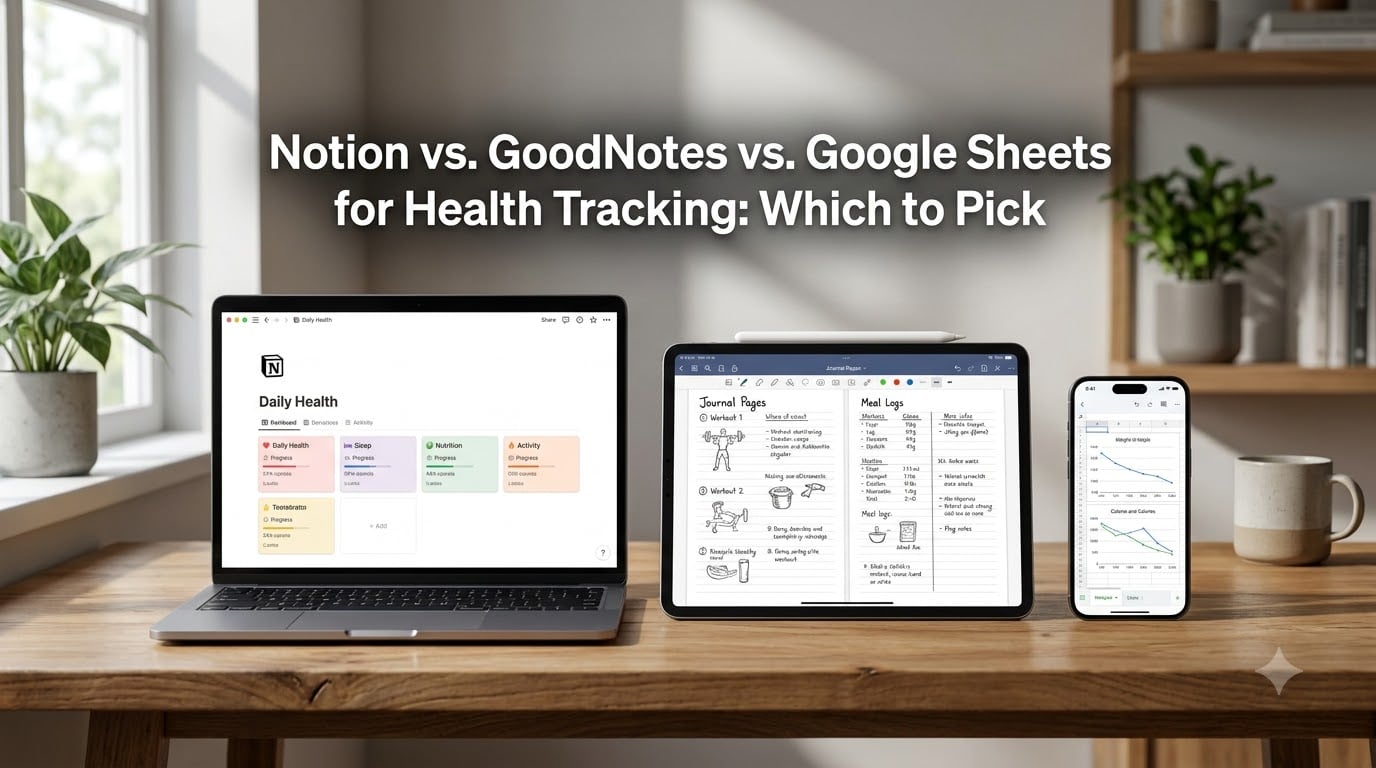
I’ve spent the last three months running my own health tracking setup across Notion, GoodNotes, and Google Sheets. I logged 47 workouts, 31 days of meals, and 18 weight entries in each tool. Here’s what I found: the best tool depends on whether you want structure, handwriting, or calculations. This guide on Notion vs. GoodNotes vs. Google Sheets for health tracking breaks down where each app wins, where it stumbles, and which one matches your style.
For weight loss planners, the right tool can mean the difference between tracking that turns into a habit and tracking you abandon after a week. Let’s get into it.
Table of Contents
- Why Notion vs. GoodNotes vs. Google Sheets Matters for Health Tracking
- The Three Tools at a Glance for Health Tracking
- Head-to-Head Comparison: Where Each Tool Wins
- Health-Specific Metrics: What Each Tool Handles Best
- Which Tool Should You Pick for Health Tracking?
- Frequently Asked Questions
- The Bottom Line: Choosing Your Health Tracking Setup
Why Notion vs. GoodNotes vs. Google Sheets Matters for Health Tracking
Health tracking is a specific kind of data problem. You log weight, calories, workouts, sleep, and mood. You want quick entry on your phone, real charts on your laptop, and a system that doesn’t break when you miss a day. Most productivity tools weren’t built for this, but three popular ones keep showing up in weight loss communities: Notion, GoodNotes, and Google Sheets.
I’ve seen people on Reddit swear by Notion for its database structure, others praise GoodNotes for the tactile feel of writing, and a third group won’t touch anything but Google Sheets. Picking one tool for health tracking comes down to how you think, what you measure, and how much friction you tolerate.
The Three Tools at a Glance for Health Tracking
Before diving deep, here’s the quick summary. Notion is a workspace built around databases and views. GoodNotes is a handwriting-first notebook app for iPad and iPhone. Google Sheets is a spreadsheet with formulas, charts, and unlimited rows. Each tool handles health tracking differently, and each has trade-offs you should know before committing.
Notion for Health Tracking: Database Power with Limits
Notion treats everything as a database: your workouts, meals, weight entries, and habits all live in tables you can filter, sort, and view in different ways. For health tracking, this means you can build a single dashboard that pulls in your last 7 days of meals, your weekly weight trend, and your workout streak. I built mine in about 90 minutes using a free template and tweaking the formulas.
The strength is structure. Once you set up the relations and rollups, your fitness journal updates itself. The weakness is formulas. Notion’s formula language is improving, but it still can’t handle time-duration math as cleanly as Google Sheets. Users on Reddit’s r/Notion regularly complain about formula limits, especially when calculating weekly averages or macro splits.
Mobile is another factor. Notion’s iOS and Android apps work, but logging a meal with 6 ingredients is slow. The team has improved offline mode, but I’ve had entries vanish when I lost signal mid-log. For health tracking, this is risky if you log on the go.
Notion is free for personal use with unlimited blocks and pages. The Plus plan at around $10 per month adds larger file uploads and version history. For most health tracking setups, the free tier is enough.
GoodNotes for Health Tracking: Handwriting That Sticks
GoodNotes was built for taking notes with an Apple Pencil, not for spreadsheets. So why do people use it for health tracking? Because handwriting is sticky. Studies show handwritten notes improve recall, and the same effect helps with fitness journals. When I write “30-minute run, legs felt heavy” in GoodNotes, I remember the workout better than when I type the same line in Notion.
GoodNotes shines for weekly reflections, meal photos, and workout notes. You can paste in screenshots of your run from Strava, annotate a screenshot of your meal, and sketch your weight chart freehand. The app handles PDF annotation well, so you can mark up your blood test results or exercise plan.
The downside is data analysis. GoodNotes doesn’t have formulas. You can’t sum your weekly calories, average your sleep, or chart your weight trend automatically. If you want a holistic view of your health metrics, GoodNotes alone falls short. Most users pair it with a spreadsheet for the numbers.
GoodNotes 5 is a one-time purchase on iOS. GoodNotes 6 adds AI features and subscription options. The standard version costs around $9.99, which is cheaper than a yearly Notion subscription if you don’t need database features.
Google Sheets for Health Tracking: The Spreadsheet Workhorse
Google Sheets is the original health tracker. Long before Notion or GoodNotes, people used spreadsheets to log weight, calories, and workouts. The tool is still my top pick for raw data analysis. You can build a calorie tracker with cross-sheet VLOOKUPs, chart your weight trend with a sparkline, and sum your weekly mileage with a single formula.
For weight loss tracking specifically, Google Sheets handles math well. I can calculate my 7-day average weight, my daily macro split, and my workout volume in seconds. The pivot tables and conditional formatting beat Notion’s views for serious number crunching. If you love data, this is your tool.
The weakness is friction. Mobile editing on Google Sheets is cumbersome. Logging a meal with 5 ingredients means tapping into 5 cells, typing each one, and waiting for the keyboard. On a phone, this is annoying. On an iPad, it’s tolerable. On a desktop, it’s fine.
Google Sheets is free with a Google account. Google Workspace plans add more storage and features, but for personal health tracking, the free version handles thousands of entries without slowing down.
Head-to-Head Comparison: Where Each Tool Wins
Here’s the practical breakdown across six categories that matter for health tracking. I’ve scored each tool based on my own testing and what users report on Reddit and productivity forums.
Formulas and Calculations
Google Sheets wins this category hands down. You can write nested IF statements, use ARRAYFORMULA for daily auto-calculations, and build calorie deficit formulas that update as you log. Notion’s formulas cover basic math, date differences, and conditional logic, but struggle with complex aggregations. GoodNotes has no formulas at all.
Charts and Visualizations
Google Sheets has built-in charts that update automatically. Notion has chart blocks, but they’re limited and require manual setup. GoodNotes requires you to draw your charts by hand. For someone who wants to see their weight trend at a glance, Sheets is the fastest path.
Views and Flexibility
Notion wins here. You can view your health database as a table, calendar, gallery, board, or timeline. Switching between views takes one click. Sheets has filters and sort options, but GoodNotes has only page-by-page organization.
Offline Access
GoodNotes is fully offline and arguably the most reliable of the three. Notion has improved offline mode in 2026, but users still report sync issues. Google Sheets requires an internet connection for full functionality, though the mobile app caches edits.
Collaboration
Google Sheets and Notion both handle real-time collaboration well. You can share a health tracker with a coach, partner, or nutritionist. GoodNotes doesn’t support real-time collaboration, though you can export PDFs to share.
Mobile Quick-Logging
GoodNotes wins for handwriting. Google Sheets wins for typed numbers. Notion is the slowest for finger entry on a phone, but the mobile app has improved.
Health-Specific Metrics: What Each Tool Handles Best
Not all metrics are equal. Here’s how each tool handles the most common health tracking data points.
Weight, Calories, and Macros Tracking
Google Sheets is my pick for this. You can build a calorie tracker with auto-summed totals, macro percentages with conditional formatting, and a weight column that graphs itself. Notion works too, but the formula setup takes longer. GoodNotes is great for handwritten meal logs but poor for macro calculations.
Workout and Fitness Logging
Notion edges ahead here for weight lifters. You can build a workout database with exercises, sets, reps, and 1RM calculations. The gallery view shows your progress notes. GoodNotes is excellent for sketching out workout plans or annotating form videos. Sheets is solid for tracking volume and intensity scores.
Sleep, Mood, and Habit Tracking
Notion’s habit tracker templates are popular for this. You can build a daily check-in database with mood, sleep hours, water intake, and energy level. The calendar view shows your streaks at a glance. Sheets can do this too, but the setup is more manual. GoodNotes is best for journaling-style mood entries.
Health Device Integration
This is where all three tools struggle. Notion can pull data from Google Sheets via API or tools like Zapier. GoodNotes has no native integration with Garmin, Apple Health, or Fitbit. Google Sheets can pull data from Apple Health through third-party apps like Health Export. None of the three tools are as smooth as a dedicated health app like MyFitnessPal, but they give you more control over your data.
Which Tool Should You Pick for Health Tracking?
There’s no single best answer. The right tool depends on your data style, your device, and your goals. Here’s the decision table I use when helping readers.
Best for Data-Heavy Users
Pick Google Sheets. If you love formulas, charts, and pivot tables, Sheets gives you unlimited analytical power. Your weight loss tracker will tell you exactly what’s working.
Best for Handwriting Lovers
Pick GoodNotes. If you have an iPad and Apple Pencil, the handwriting experience is unmatched. Use it for workout reflections, meal photos, and weekly check-ins.
Best for Visual Thinkers
Pick Notion. If you want a dashboard that shows your last 7 days of meals, your weight trend, and your workout streak in one view, Notion’s database structure is built for this.
Best for Beginners
Pick Google Sheets. The learning curve is low, templates are abundant, and you can start tracking weight today without learning a new app.
Best for Combining Tools
Use a two-tool setup. Many users log numbers in Google Sheets and reflections in GoodNotes or Notion. This is the most powerful approach if you want both data and journaling. The slight friction is worth it for the depth you get.
Quick Recommendation Table
If you want a fast answer: pick Google Sheets for numbers, GoodNotes for handwriting, and Notion for the dashboard. If you want one tool, pick the one that matches your strongest habit. The best tracker is the one you’ll actually use every day.
Frequently Asked Questions
Should I use Notion or Google Sheets for health tracking?
Pick Google Sheets if you want formulas, charts, and fast data entry. Pick Notion if you want a unified dashboard with views for meals, workouts, and habits. Sheets is faster for numbers; Notion is better for visual organization of multiple health data types.
Is GoodNotes or Notion better for fitness journaling?
GoodNotes is better for handwritten fitness journaling, especially with an Apple Pencil. Notion is better for typed, structured workout logs with exercises, sets, and reps. If you want to sketch form notes or annotate videos, choose GoodNotes. If you want searchable databases with filters, choose Notion.
Can Notion pull data from Google Sheets for health tracking?
Yes, Notion can pull data from Google Sheets through API integrations, Zapier, or tools like Sync2Sheets. You can also use Notion’s built-in database embed feature. The setup takes 15-30 minutes, but once configured, your Sheets data flows into your Notion dashboard automatically.
Is Google Sheets better than Notion for weight loss tracking?
Google Sheets is better for weight loss tracking if you want precise calculations like 7-day average weight, calorie deficit, and macro splits. Notion is better if you want to see your weight alongside meals, workouts, and mood in one view. Most weight loss users find Sheets faster for daily logging and Notion better for weekly reviews.
Which app is the best overall health tracker among these three?
No single app wins. Google Sheets earns the top spot for raw data analysis and weight tracking. Notion wins for dashboards and habit tracking. GoodNotes wins for handwritten fitness journals. The best overall setup for most people is Google Sheets for numbers plus Notion for visual organization, with GoodNotes as a journaling layer if you have an iPad.
The Bottom Line: Choosing Your Health Tracking Setup
After three months of running the same health tracker in Notion, GoodNotes, and Google Sheets, I keep coming back to Google Sheets for daily logging and Notion for weekly reviews. GoodNotes earns a slot when I want to write about how a workout felt, but the numbers live in Sheets.
Here’s the honest truth: the best tool for health tracking is the one you’ll open every day. If you love data, Sheets is your home. If you love structure, Notion is your home. If you love handwriting, GoodNotes is your home. If you can combine two, you get the best of all three without the worst trade-offs.
Start with one tool. Spend two weeks building a simple weight, calorie, and workout tracker. If it sticks, you’re done. If you find yourself wishing for something the tool can’t do, that’s when you add a second tool. The Notion vs. GoodNotes vs. Google Sheets for health tracking decision isn’t about picking the winner. It’s about picking the tool that matches your habits. We have detailed guides on setting up each tool if you want to dive deeper.