
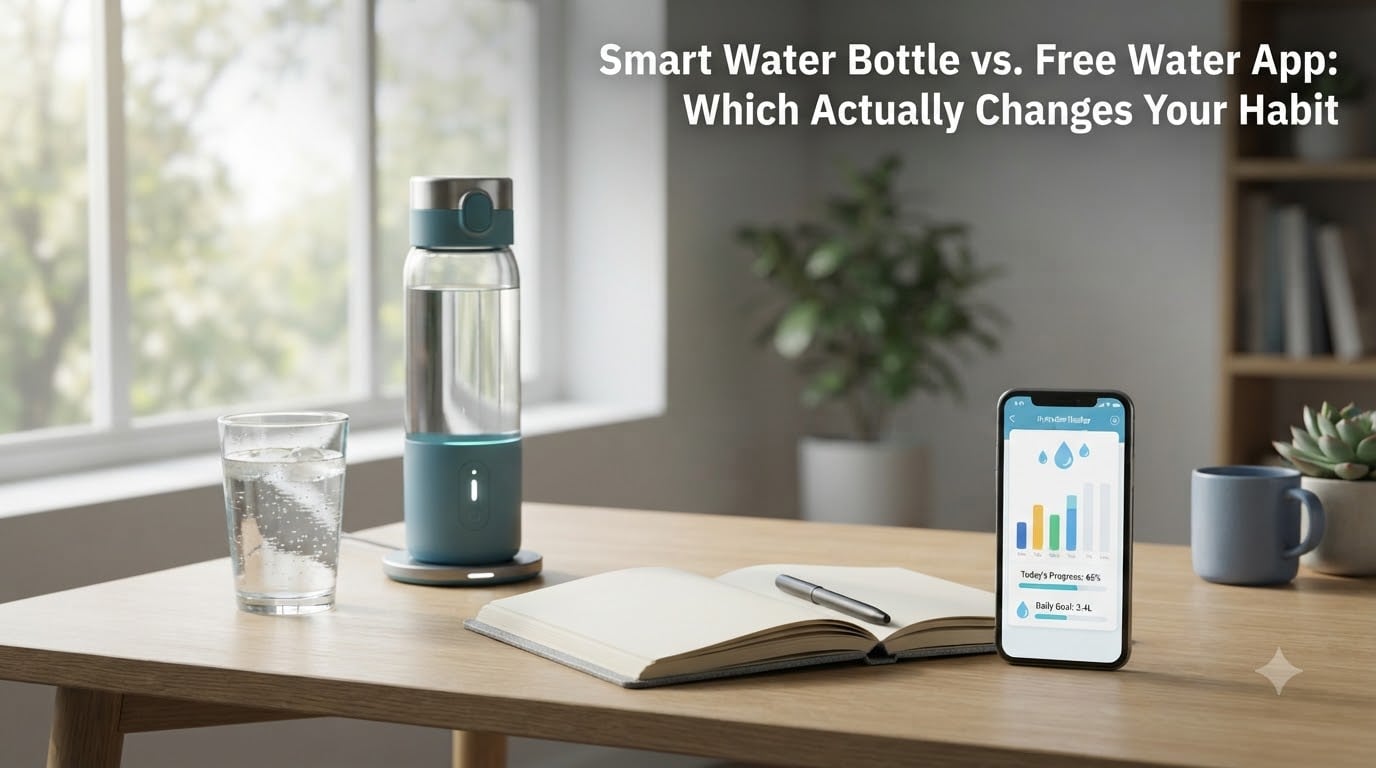
If you have ever struggled to drink enough water, you have probably considered both a smart water bottle and a free water reminder app. They promise the same thing: better hydration through reminders and tracking. But the smart water bottle vs free water app debate comes down to something simpler than features. It comes down to whether either tool actually changes a habit, or whether they end up cluttering your life with notifications you ignore after week two.
I spent six weeks rotating between a HidrateSpark PRO 2 and three different free hydration apps to find out. Here is the honest answer, plus the research on habit formation that explains why.
Table of Contents
- How Smart Water Bottles Actually Work
- How Free Water Reminder Apps Actually Work
- The Behavioral Science Behind Hydration Habits
- Smart Water Bottle vs Free Water App: Direct Comparison
- Pros and Cons of Smart Water Bottles
- Pros and Cons of Free Water Reminder Apps
- Notification Fatigue: Why Reminders Stop Working
- Which Option Actually Changes Your Habit Long-Term?
- How to Choose the Right Option for You
- How to Build a Hydration Habit That Sticks
- Frequently Asked Questions
- Final Verdict on Smart Water Bottle vs Free Water App
How Smart Water Bottles Actually Work
A smart water bottle is a regular insulated bottle with sensors, a battery, Bluetooth, and often a glowing LED ring or display. The sensor sits in the side wall and measures the water level as you drink. Each time the level drops, the bottle logs the sip, syncs it to a companion app, and updates your daily total.
Most bottles pair with an app that handles the long-term picture: daily goals, trends, streaks, and integration with Apple Health, Google Fit, or Fitbit. The HidrateSpark PRO 2 and Ozmo Active are the most established options, and WaterH is a newer entrant that includes UV-C self-cleaning in the cap.
The reminder system is the differentiator. Many smart bottles pulse light from the base or rim of the bottle on a schedule, which doubles as a visual cue. You do not have to look at your phone to know it is time to drink. That subtle design choice is exactly why some users find them more effective than a phone-only setup.
The downsides show up fast. The battery needs charging, the electronics reduce the lifespan of an otherwise normal bottle, and replacement parts can be tricky to source. Multiple reviewers on r/BuyItForLife reported electronics failing within 12 to 18 months, sometimes sooner.
How Free Water Reminder Apps Actually Work
A free water reminder app relies entirely on your phone. You set a daily goal (usually calculated from body weight, activity level, and climate), pick reminder intervals, and then either tap a button each time you drink or let the app estimate intake from preset container sizes.
The feature set across the top free apps is wider than you might expect. WaterMinder on iOS offers Apple Watch complications, Home Screen widgets, and Siri shortcuts. HydroCoach on Android focuses on daily streaks and reminders. Waterllama gamifies the experience with collectible characters that grow as you hydrate. Plant Nanny makes your virtual plant wilt or thrive based on your real water intake, which is wildly popular with ADHD users.
What you do not get is automatic sip detection. Every log is a manual tap, and most people forget to do it. Backfilling the day after lunch feels more like homework than habit building. That single friction point is the most common reason people uninstall water apps within a month.
But there are zero dollars and zero hardware to maintain. Apps also live in a place you already check constantly, so a well-timed notification can interrupt a meeting or a workout just as effectively as a flashing bottle.
The Behavioral Science Behind Hydration Habits
Hydration habits fail for one reason: forgetting. Thirst is a lagging signal, so by the time you feel thirsty, you are already mildly dehydrated. The job of any tool is to replace that missing internal cue with an external one.
Behavior researchers use the habit loop model to explain this. A cue triggers a routine, which delivers a reward, and repetition turns the loop into automatic behavior. Drinking more water fits cleanly into this model if you can stabilize the cue.
The quality of the cue matters more than the cleverness of the tool. A glowing bottle you keep on your desk is a persistent visual cue. A phone notification is an interrupt-style cue that competes with every other alert on your device. Persistence wins in the long run, which is partly why habit researchers argue that simple visible water bottles outperform complex tracking systems.
This is also why generic habit change advice tends to outperform gadget advice. Habit stacking (drinking a glass of water right after brushing your teeth, before coffee, after every meeting) builds the loop without any technology at all.
Smart Water Bottle vs Free Water App: Direct Comparison
Here is the side-by-side breakdown after six weeks of daily use.
Cost is the loudest difference. A solid smart bottle runs between $70 and $130 upfront, with replacement bottles and proprietary chargers adding to lifetime cost. Free apps cost nothing, though some offer premium tiers around $20 to $40 per year for deeper analytics.
Accuracy favors the smart bottle. Sensor-based tracking is generally within 5 to 10 percent of actual intake, while manual app logging drops to whatever the user remembers to log. People who backfill honestly tend to underestimate. People who backfill casually tend to overestimate.
Convenience depends on your routine. If your phone is always in your pocket, the app wins. If your phone lives face-down on your desk and your bottle is the only thing in your hand, the smart bottle wins.
Battery and charging is a real friction point for smart bottles. Most last 10 to 30 days per charge, but forgetting to plug in the bottle is a uniquely modern way to fail at drinking water.
Longevity is the silent killer. A quality insulated bottle can last five years or more. A smart bottle’s electronics usually give out in two to three years, which means higher long-term cost and waste.
Engagement over time is where both tools stumble, just at different speeds. More on that in a moment.
Pros and Cons of Smart Water Bottles
Pros:
- Automatic sip detection removes the need to log anything by hand.
- Visual light cues persist in your field of vision, which makes them hard to ignore.
- Strong integrations with Apple Health, Google Fit, and Strava.
- Great gift option for someone who already wants the data.
Cons:
- Upfront cost of $70 to $130 is significant.
- Electronics typically fail before the bottle itself does.
- Charging is a small but recurring chore.
- Proprietary parts and chargers make them harder to replace.
Pros and Cons of Free Water Reminder Apps
Pros:
- Free, or near-free if you skip premium tiers.
- No hardware, no charging, no replacement parts.
- Wide variety of styles, from bare-bones trackers to gamified apps like Plant Nanny.
- Easy to switch if one app does not stick.
Cons:
- Manual logging creates daily friction that causes drop-off.
- Phone notifications compete with every other alert.
- Accuracy depends entirely on user honesty.
- Most users uninstall within 30 to 60 days.
Notification Fatigue: Why Reminders Stop Working
Both tools suffer from the same failure mode: reminder fatigue. The first week feels productive. By week three, your brain starts treating the ping as background noise. By week six, you mute the app or unplug the bottle.
The research on this is consistent. People habituate to any repeated cue that does not feel urgent, which is exactly what a hydration reminder is. The way around it is variable timing (random intervals instead of fixed) and pairing reminders with an existing habit rather than treating them as the habit itself.
This is why pure visibility often beats pure tracking. If you can see the bottle, you do not need a notification at all.
Which Option Actually Changes Your Habit Long-Term?
Here is the verdict from the six-week test. Both options produce short-term improvement. Both options fade. The smart bottle fades slightly slower because the visual cue persists even when notifications are ignored, and because automatic logging removes one excuse to disengage. But neither tool, on its own, reliably builds a permanent habit.
What actually changed the habit for me was habit stacking plus a visible bottle, with the app left as a passive log rather than an active reminder. In other words, technology helped, but only after the habit structure was already in place.
If I had to pick one tool, the smart bottle wins narrowly for forgetful users, and the free app wins for everyone else, simply because cost-free experiments are easier to commit to.
How to Choose the Right Option for You
Pick a smart water bottle if:
- You have tried apps and abandoned them.
- You want automatic tracking without manual logging.
- You are willing to charge a bottle every few weeks.
- You can absorb the upfront cost comfortably.
Pick a free water reminder app if:
- You want to test whether tracking helps before spending money.
- You are already disciplined about logging food, workouts, or steps.
- You want maximum flexibility to switch tools.
- You are budget-conscious.
Skip both if:
- You already keep a visible water bottle on your desk.
- You can pair drinking with existing routines like meals or meetings.
- You eat water-rich foods consistently (cucumber, soup, fruit).
How to Build a Hydration Habit That Sticks
Regardless of which tool you choose, the habit itself works best with a few supporting habits.
Keep a bottle where you can see it. The single most cited piece of advice across r/HydroHomies and r/ADHD is that physical visibility beats any reminder. Place the bottle on your desk, your kitchen counter, or wherever your eyes already land.
Pair drinking with existing anchors. A glass of water right after brushing your teeth, before each meal, and at the top of every hour is more reliable than any app notification.
Track less, drink more. Logging every sip can become its own distraction. Try logging only at the end of the day for the first two weeks, then drop the log entirely.
Reward the routine, not the number. Streaks are useful, but celebrating the act of showing up matters more than hitting an arbitrary daily target.
Frequently Asked Questions
Are smartwater bottles worth it?
For most people, smart water bottles are not worth the cost. They help in the short term by automating sip tracking and adding visual reminders, but most users stop engaging with the data within two to three months, and the electronics usually fail before the bottle itself does. A free app plus a visible regular bottle builds the same habit for less money.
Do water drinking apps actually work?
Water apps work for about 30 to 60 days of consistent use, then most people stop logging. Apps that gamify the experience (Plant Nanny, Waterllama) tend to retain users longer, and apps with Apple Watch or Wear OS complications work better for people who already log other health data. The hydration habit itself usually sticks only when paired with an existing routine.
What is the best free app to remind you to drink water?
For iPhone users, WaterMinder is the strongest free option thanks to widgets, Apple Watch support, and clean streaks. For Android, HydroCoach is reliable and lightweight. For users who want gamification, Waterllama and Plant Nanny are the most engaging. For pure simplicity, the built-in Reminders app with hourly alerts works surprisingly well.
Is smartwater actually better for you?
Smartwater is just purified vapor-distilled water with added electrolytes. It is not meaningfully better for hydration than tap water for most healthy adults. The ‘smart’ in the brand name refers to the distillation process, not any health claim. If you want better hydration, focus on consistent fluid intake throughout the day rather than the brand of water.
Final Verdict on Smart Water Bottle vs Free Water App
The smart water bottle vs free water app question does not have a single right answer. If your main problem is forgetting to drink, start with a free water reminder app and keep a visible bottle on your desk. That combination costs nothing, removes excuses, and lets you find out whether tracking actually helps you.
If you have already tried apps and dropped them, a smart water bottle is a reasonable upgrade. The HidrateSpark PRO 2 is the most polished option for the money, with strong app integration and a glow that is hard to ignore. Treat it as a six-month experiment, not a permanent tool.
The honest truth is that no gadget builds the habit for you. Pick the tool with the lowest friction for your life, give it sixty days, and focus on the routine rather than the data. That is what actually changes your habit.